How to Warn Reviewers a Review is Ending
This guide provides a simple and efficient way to notify reviewers that a review deadline is approaching. By following the provided steps, you can easily send a deadline email and ensure that reviewers are aware of the impending end of the review period.
Customer Support | 3 steps | 37 Seconds
1
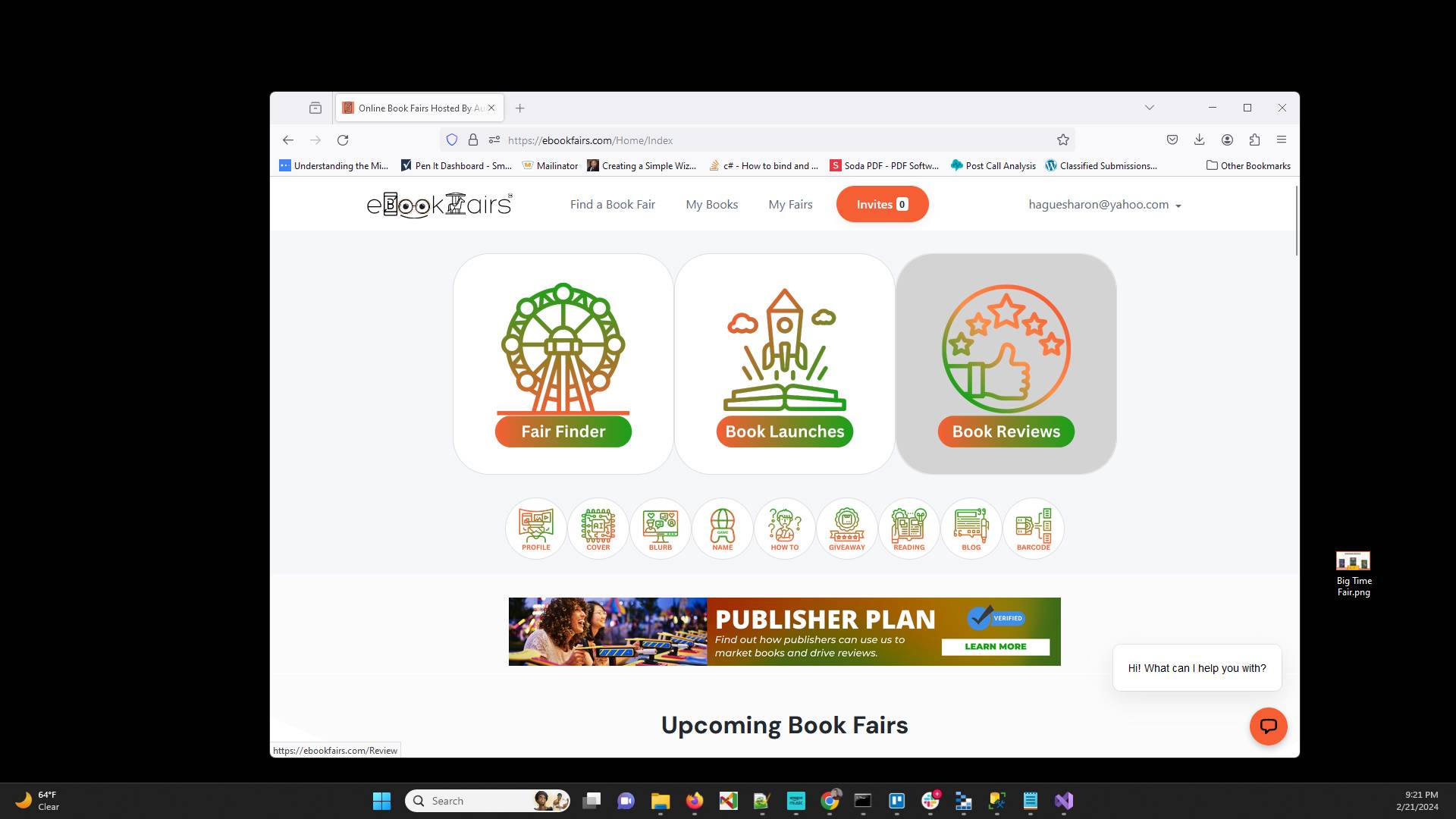
After you login as an author, go to Book Reviews
2
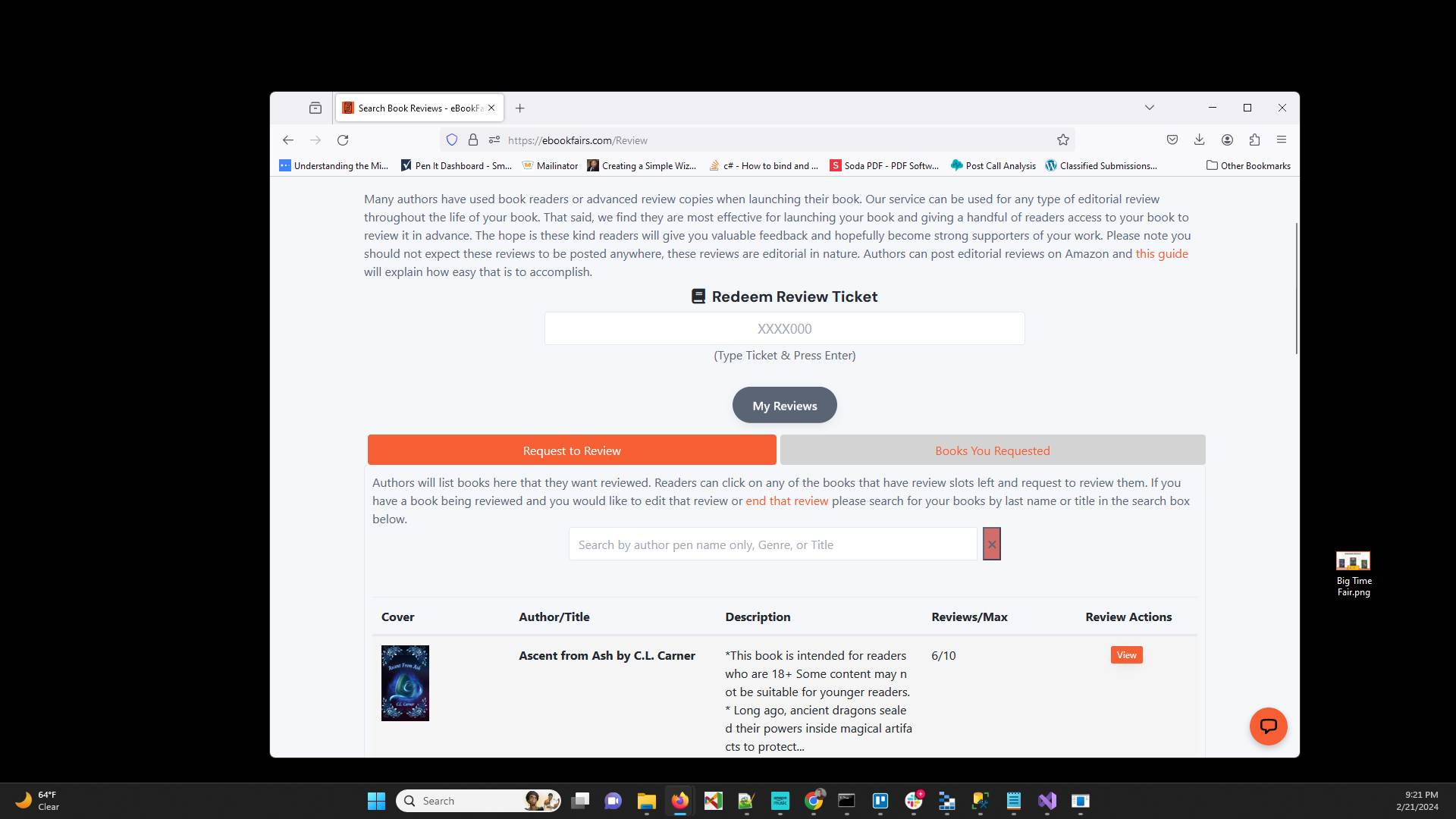
You should be on the Request to Review tab and will see a section with a link to "end the reviews". Click on that.
3
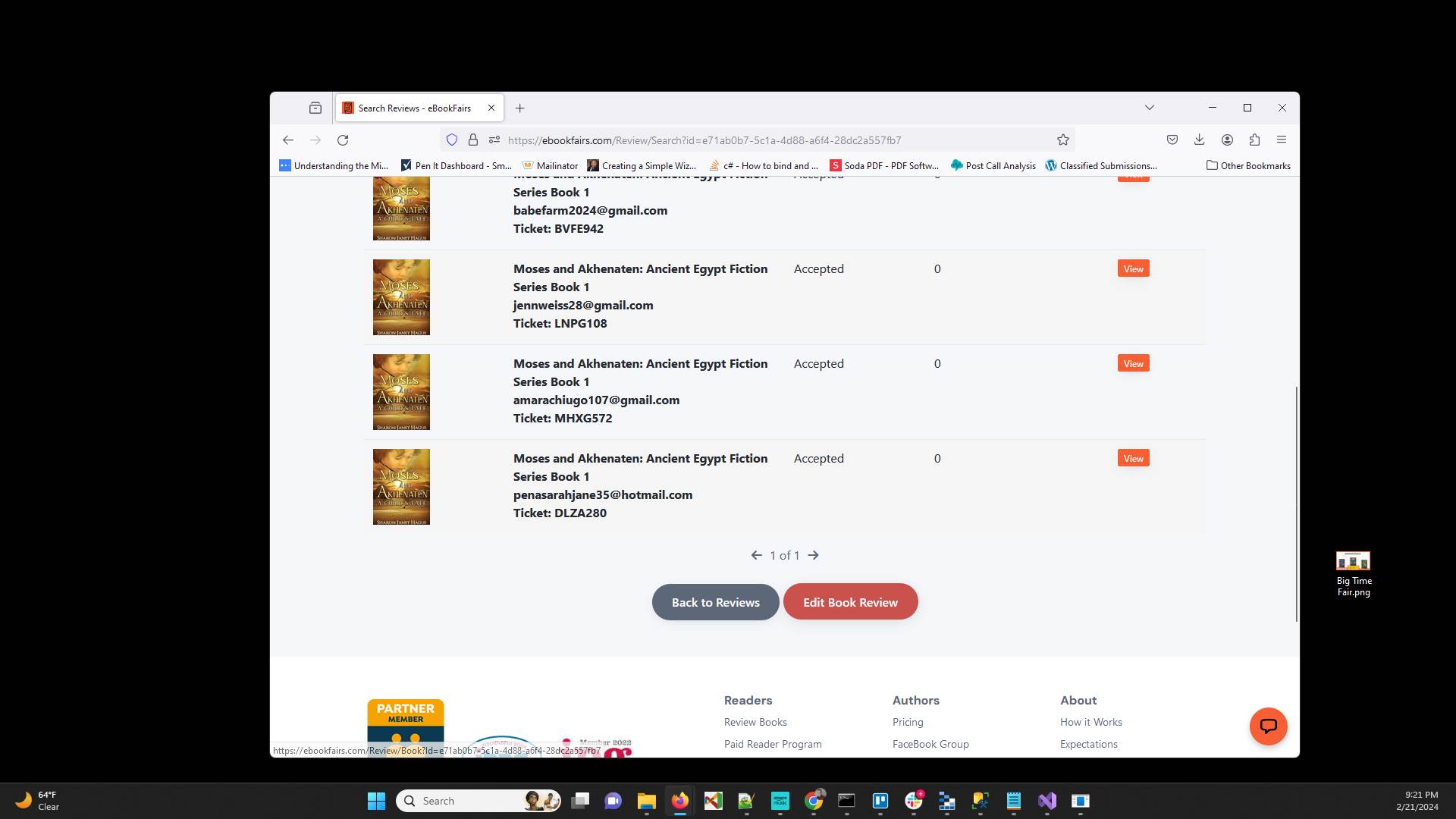
Click "Deadline Email" to send the email to reviewers that havent completed their review to let them know that you are planning to end this review at any moment.
Have ideas or feedback?
Add a comment to ask questions, clarify steps, or suggest improvements (compliments welcome, too!).
Processing...