Upgrade a Book Fair to Premium
This guide provides a step-by-step process on how to upgrade a book fair to premium. By following these instructions, users can easily navigate through the necessary steps to authorize payment and upgrade their fair, enhancing their book fair experience.
Customer Support | 4 steps | 29 Seconds
Sign in to your author account and go to the book fair you want to upgrade to a premium book fair.
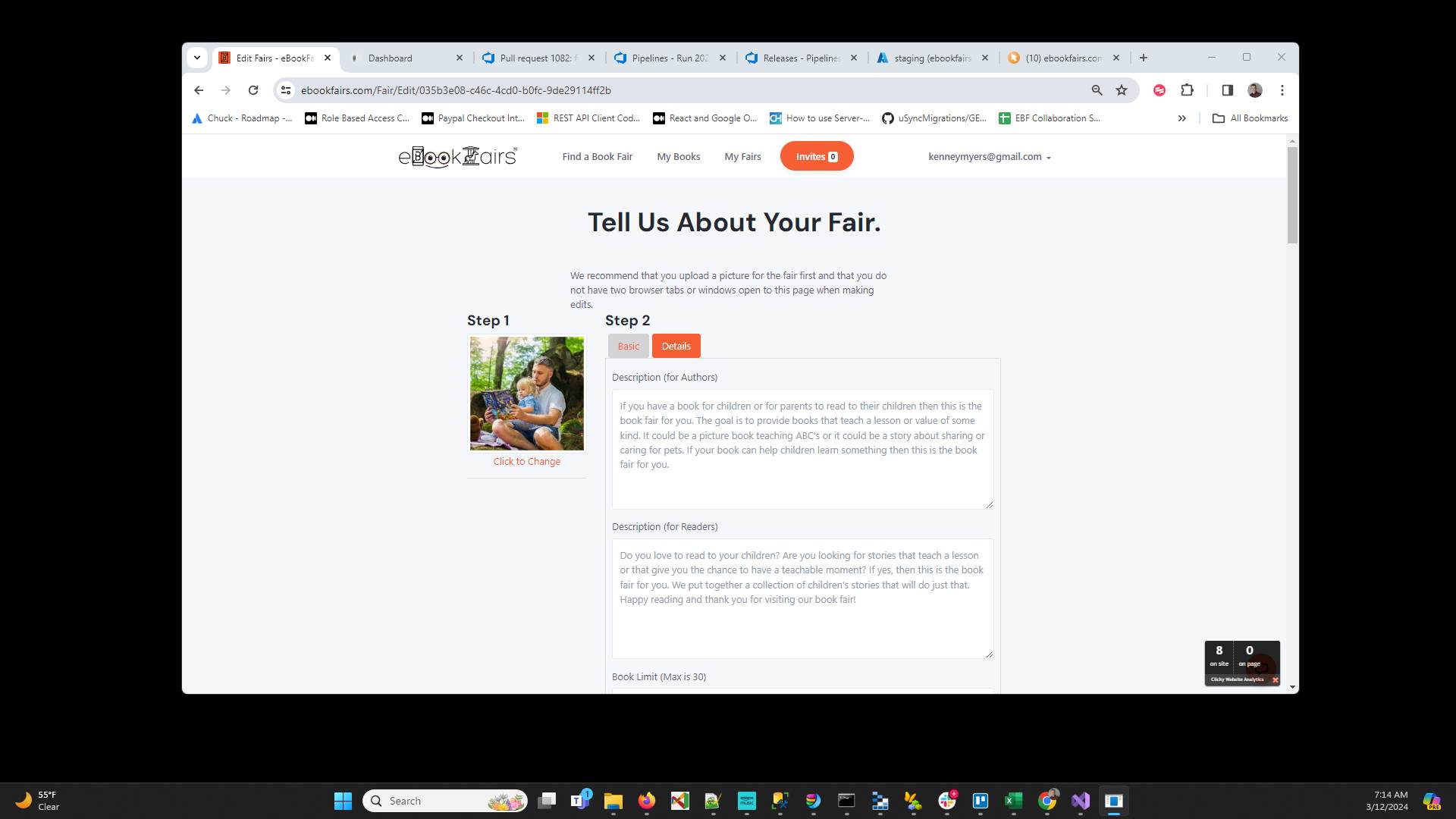
Type " enter"
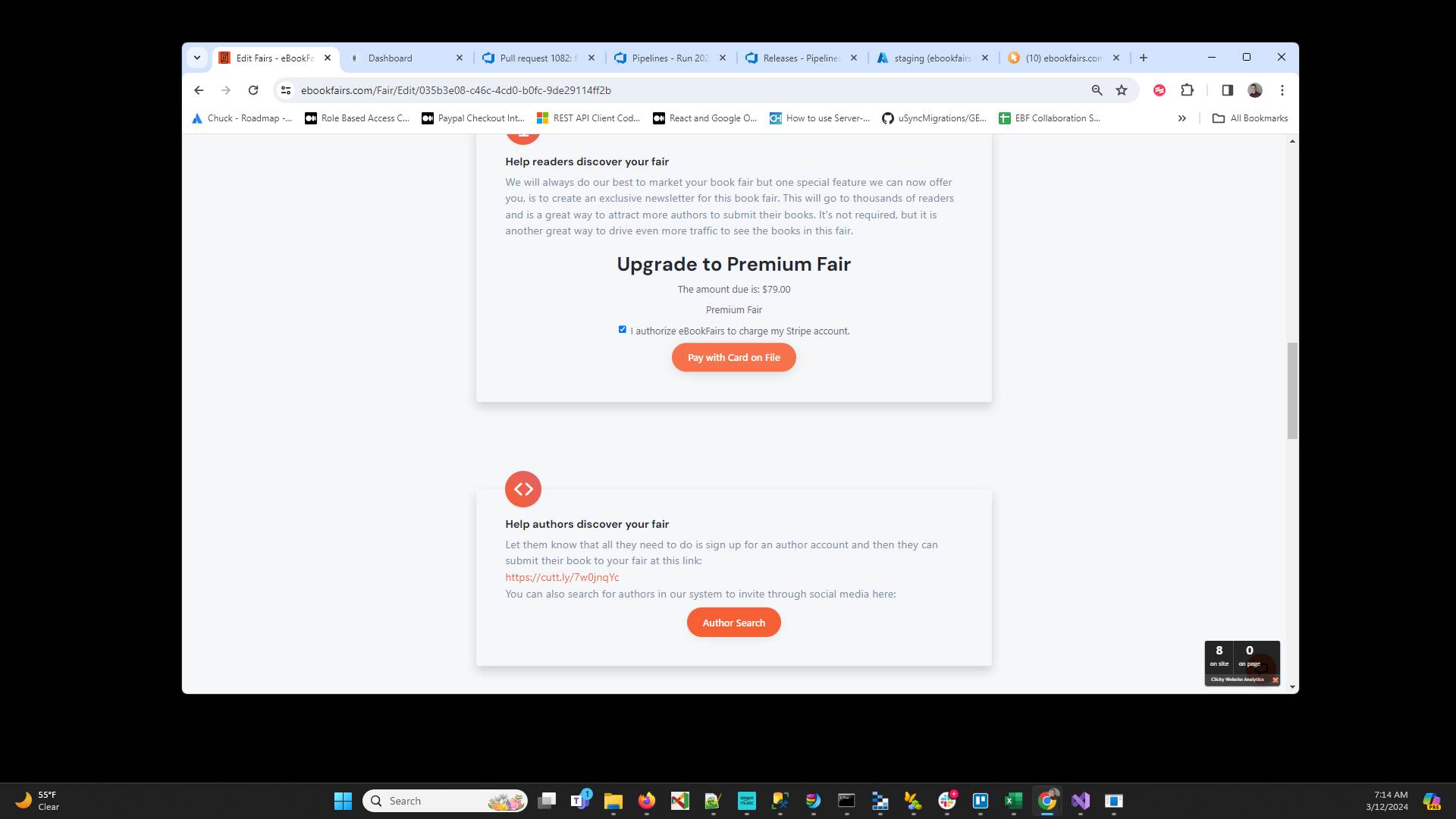
Click "I authorize eBookFairs to charge my Stripe account."
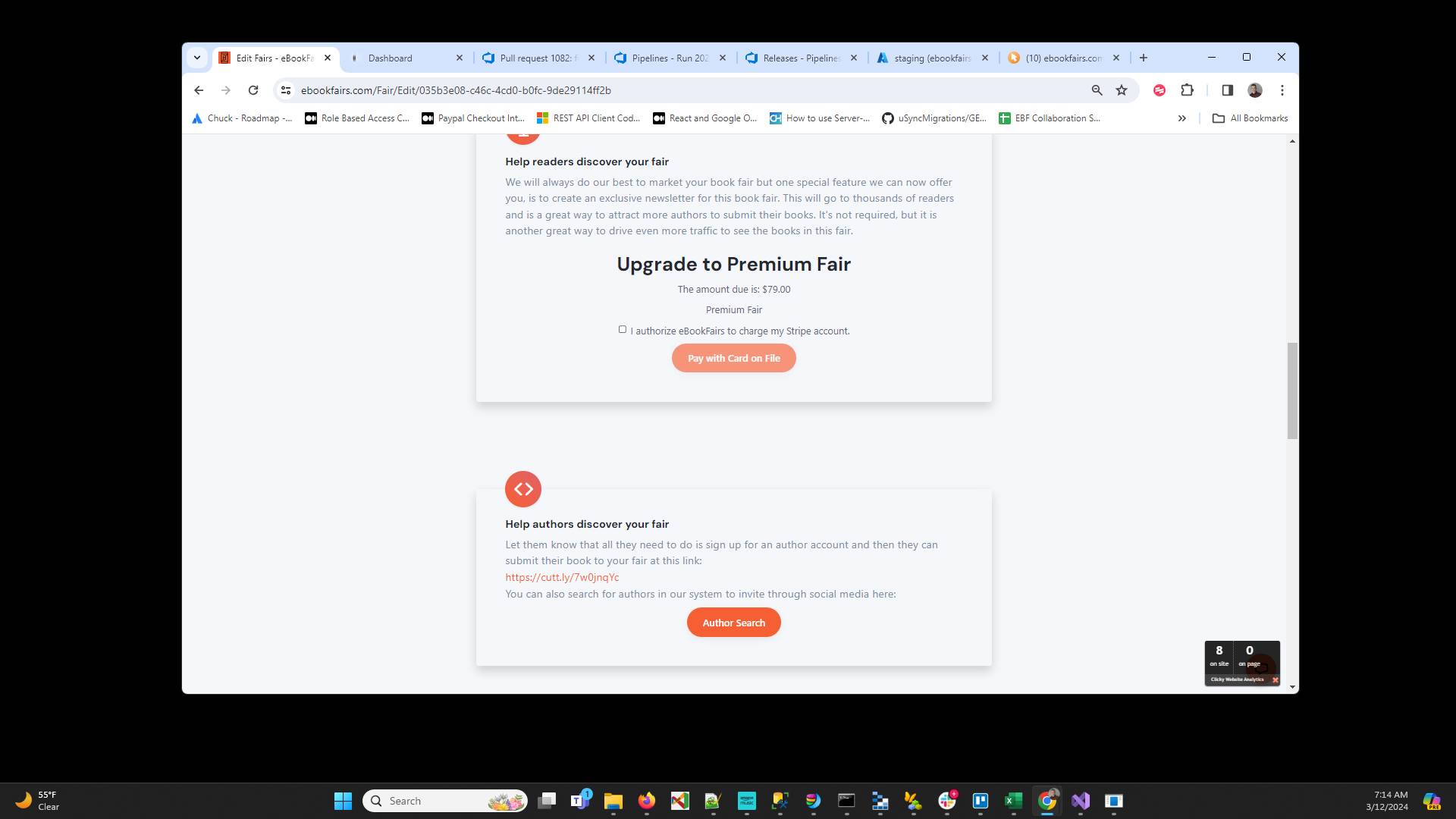
Click "Pay with Card on File" - If the payment is successful then your fair will automatically change to a premium fair and should start receiving more entries. when your book fair is published we will send an email to thousands of potential readers driving extra traffic to your book fair.
Have ideas or feedback?
Add a comment to ask questions, clarify steps, or suggest improvements (compliments welcome, too!).
Processing...