How to Disable the Start-up Guided Tours
This guide provides step-by-step instructions on how to disable the start-up guides, allowing users to navigate their device without being interrupted by unnecessary prompts. By following these simple steps, users can quickly and easily disable these guides, enhancing their overall user experience.
Customer Support | 5 steps | 43 Seconds
We want to remove these help guides on our profile and other pages
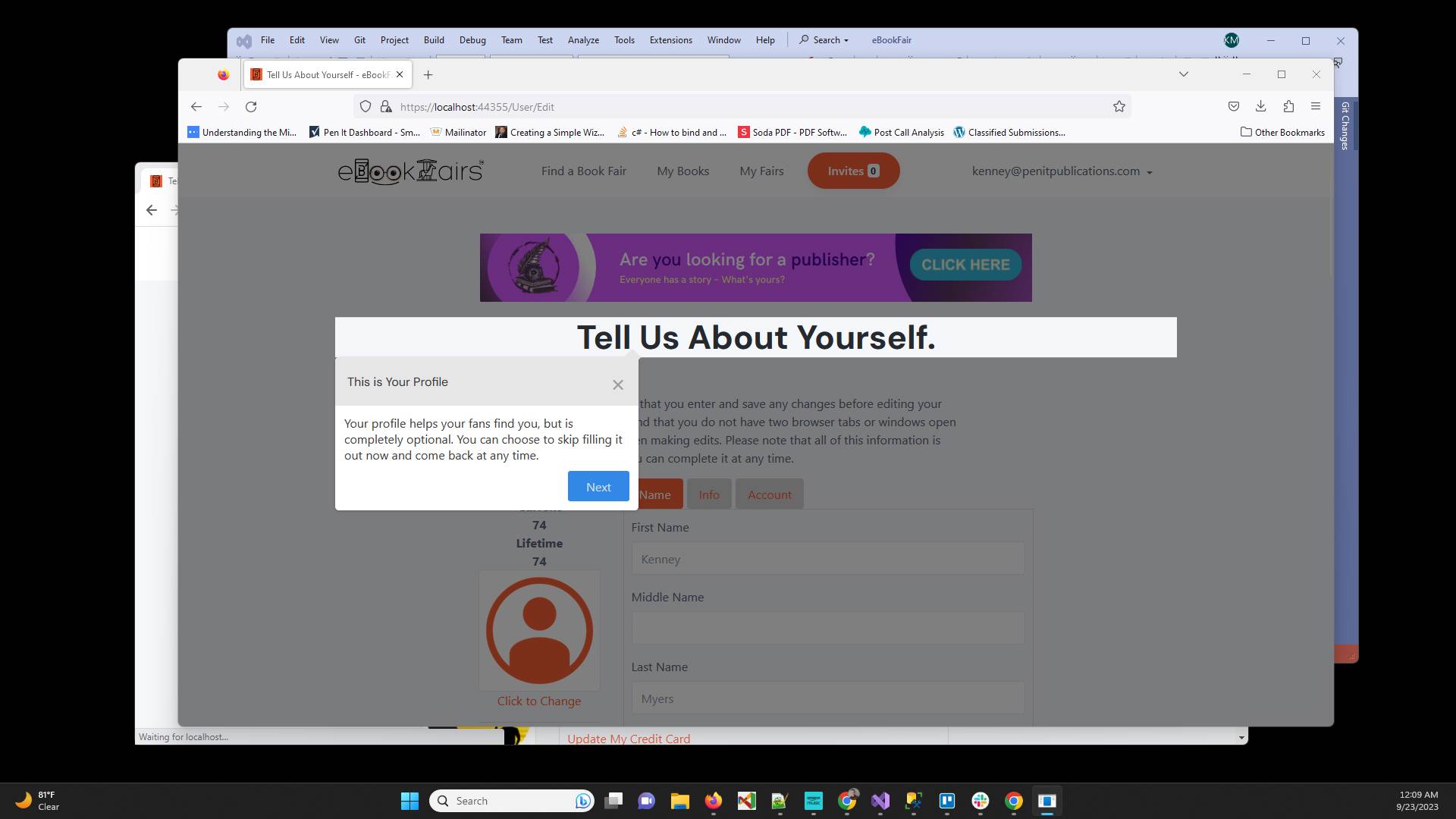
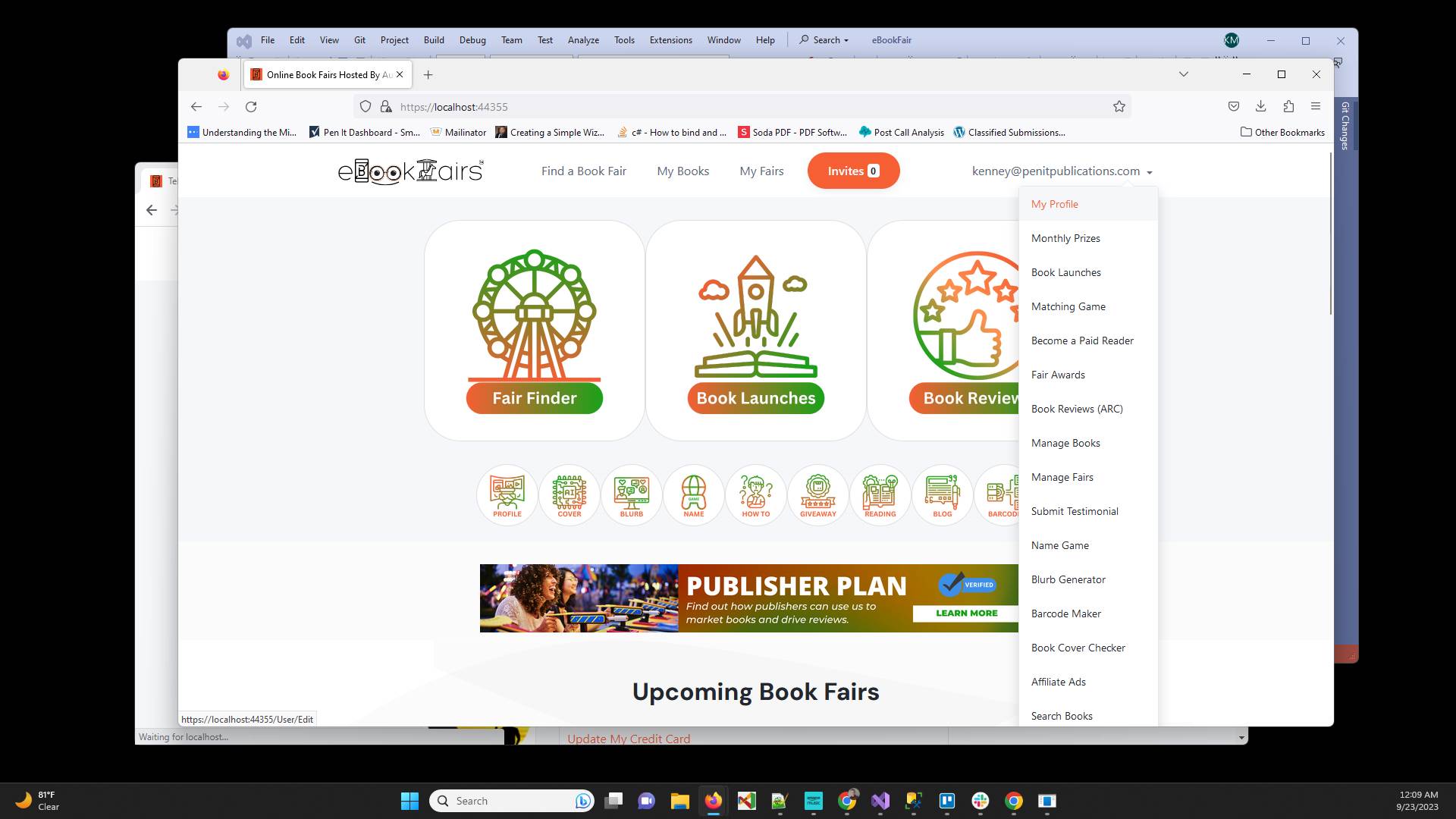
From your homepage click on the menu in the top right and select "My Profile"
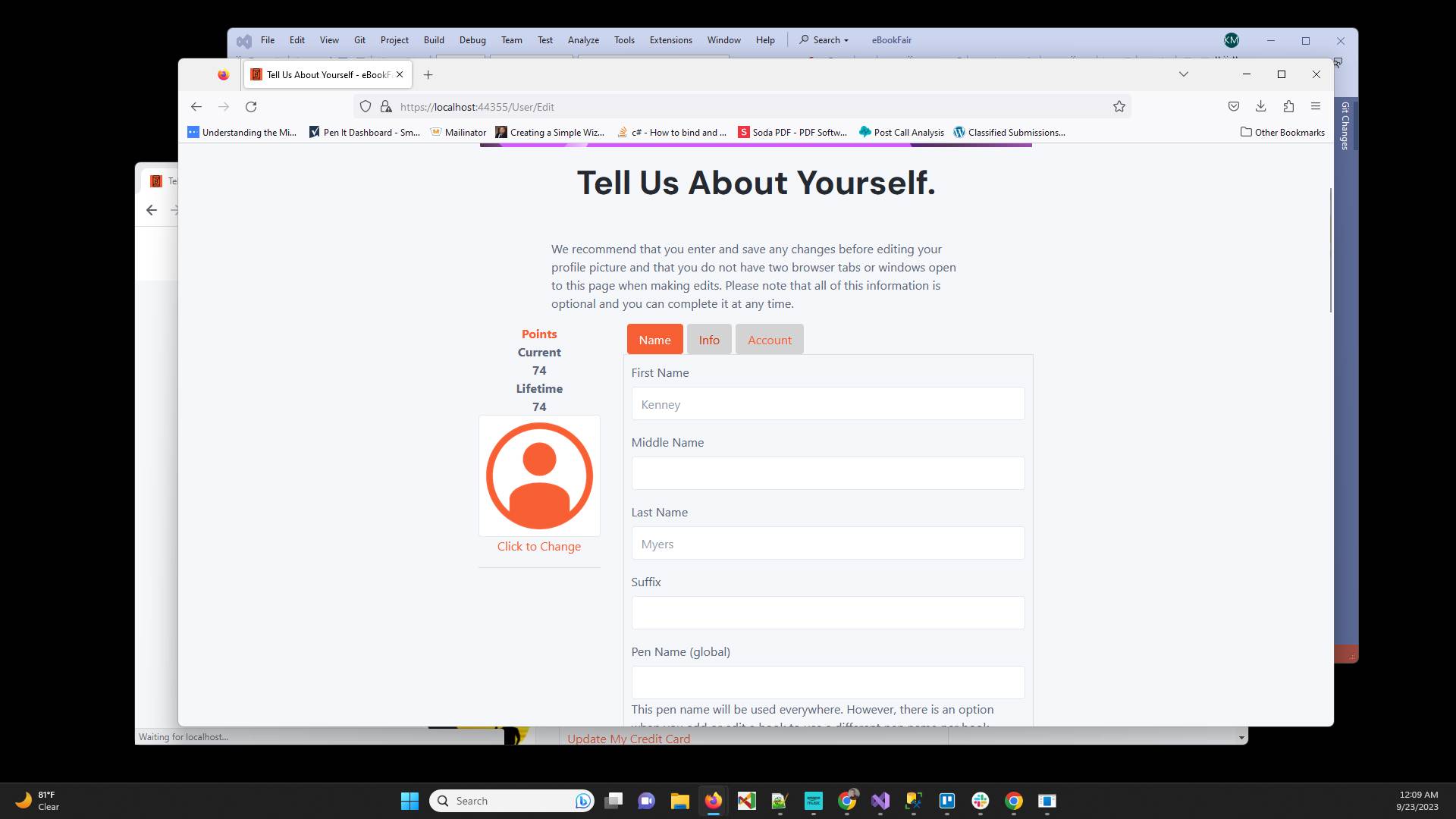
Click on the "Info" tab
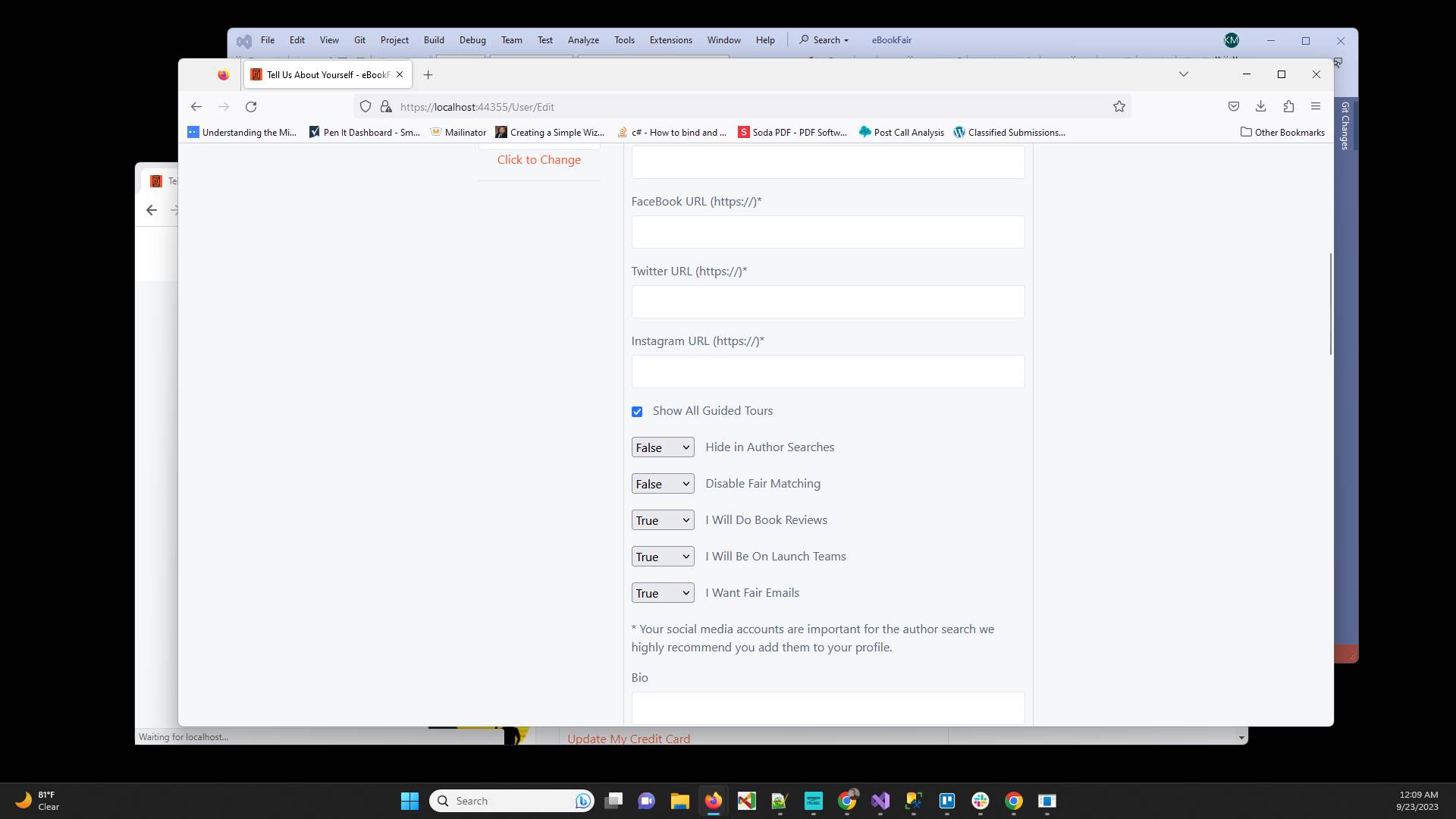
Scroll down to see "Show All Guided Tours" and make sure that is not selected
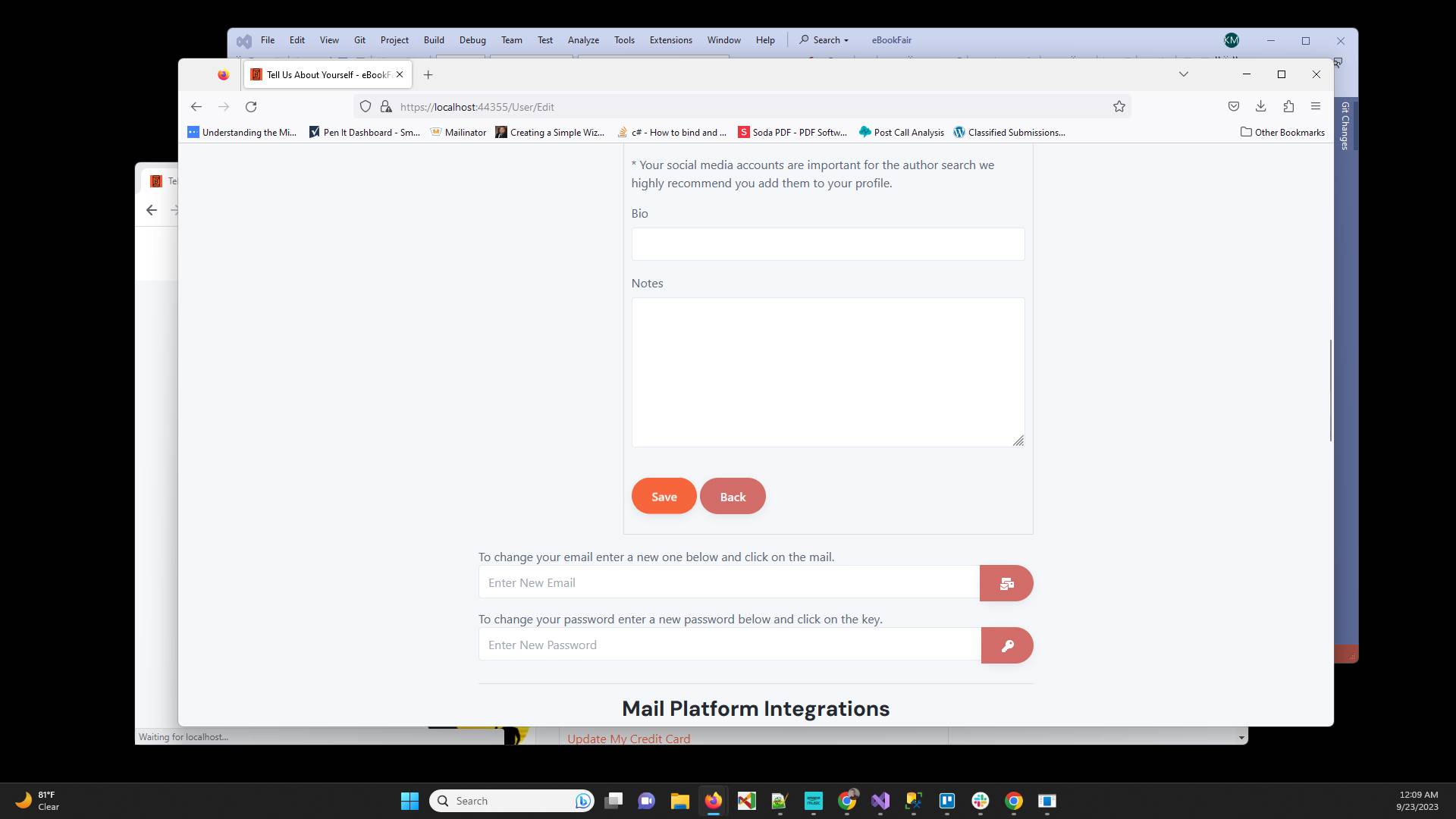
Click "Save" to save the changes and remove the guides
Have ideas or feedback?
Add a comment to ask questions, clarify steps, or suggest improvements (compliments welcome, too!).
Processing...