Download a Book to Review and Submit a Rating
This guide provides a step-by-step process on how to request to review a book. By following these instructions, you can easily navigate through the necessary steps to search for a book, apply to review it, and potentially receive a copy for review.
Customer Support | 9 steps | 2 minutes
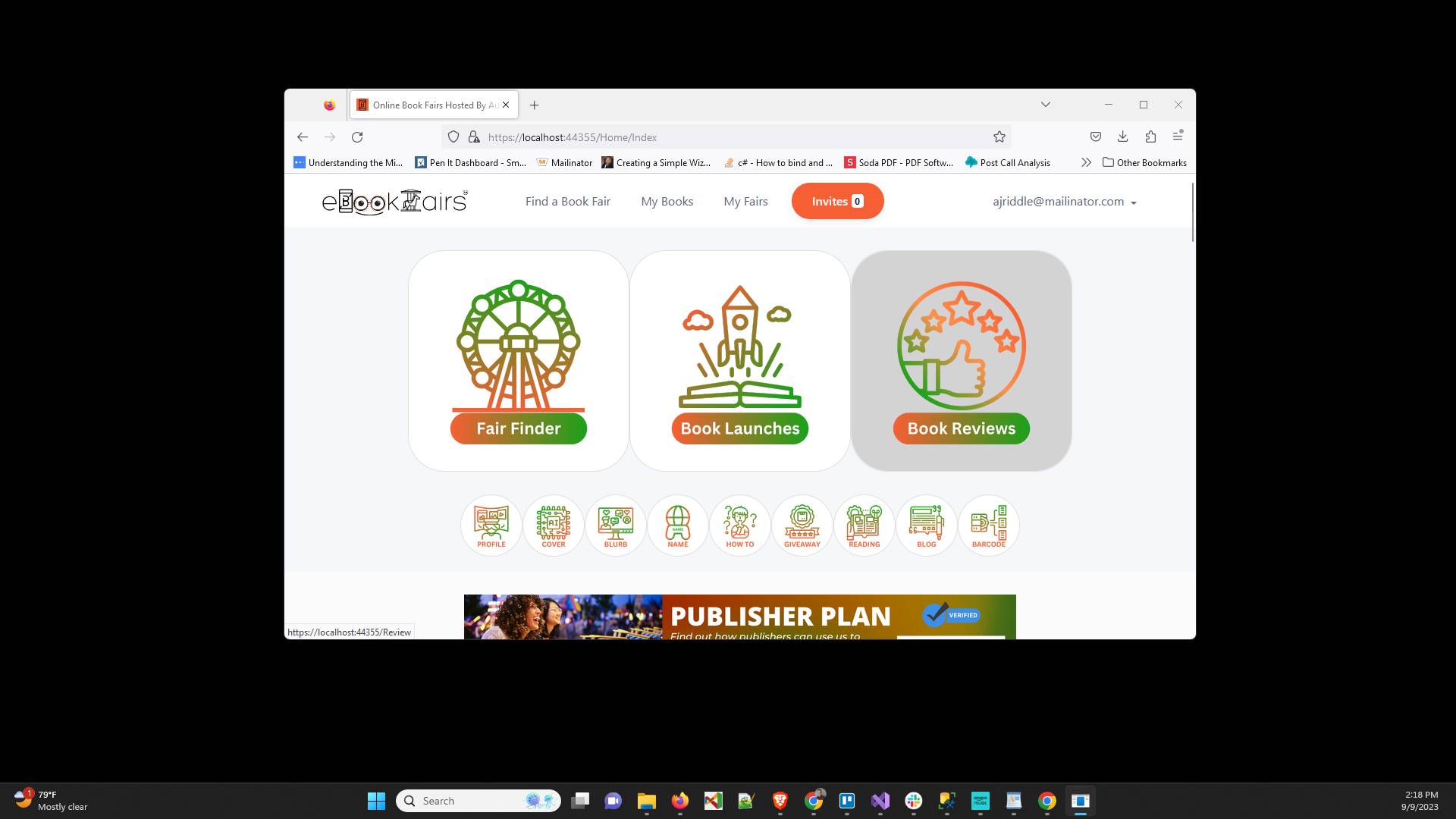
Click on "Book Reviews"
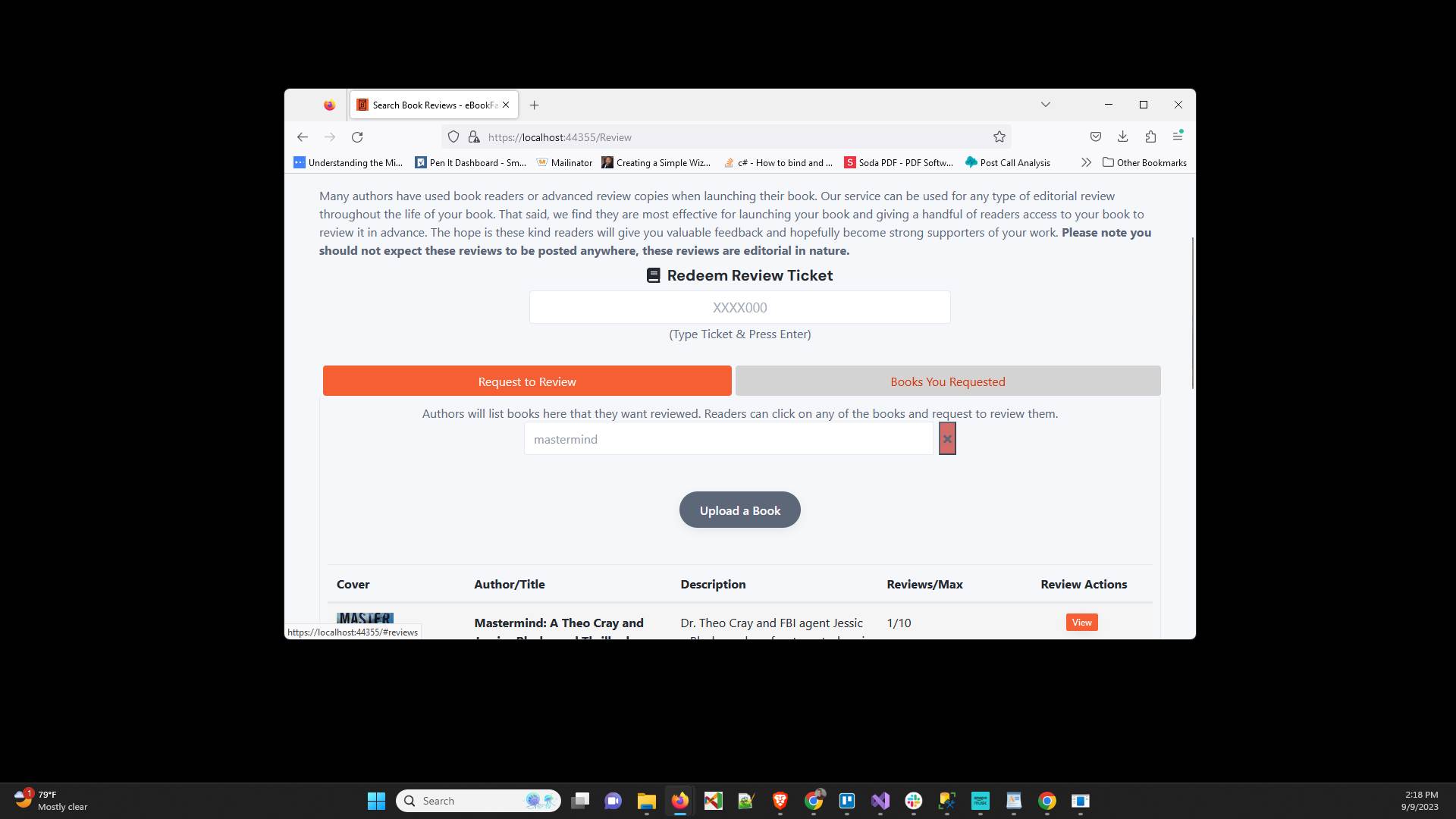
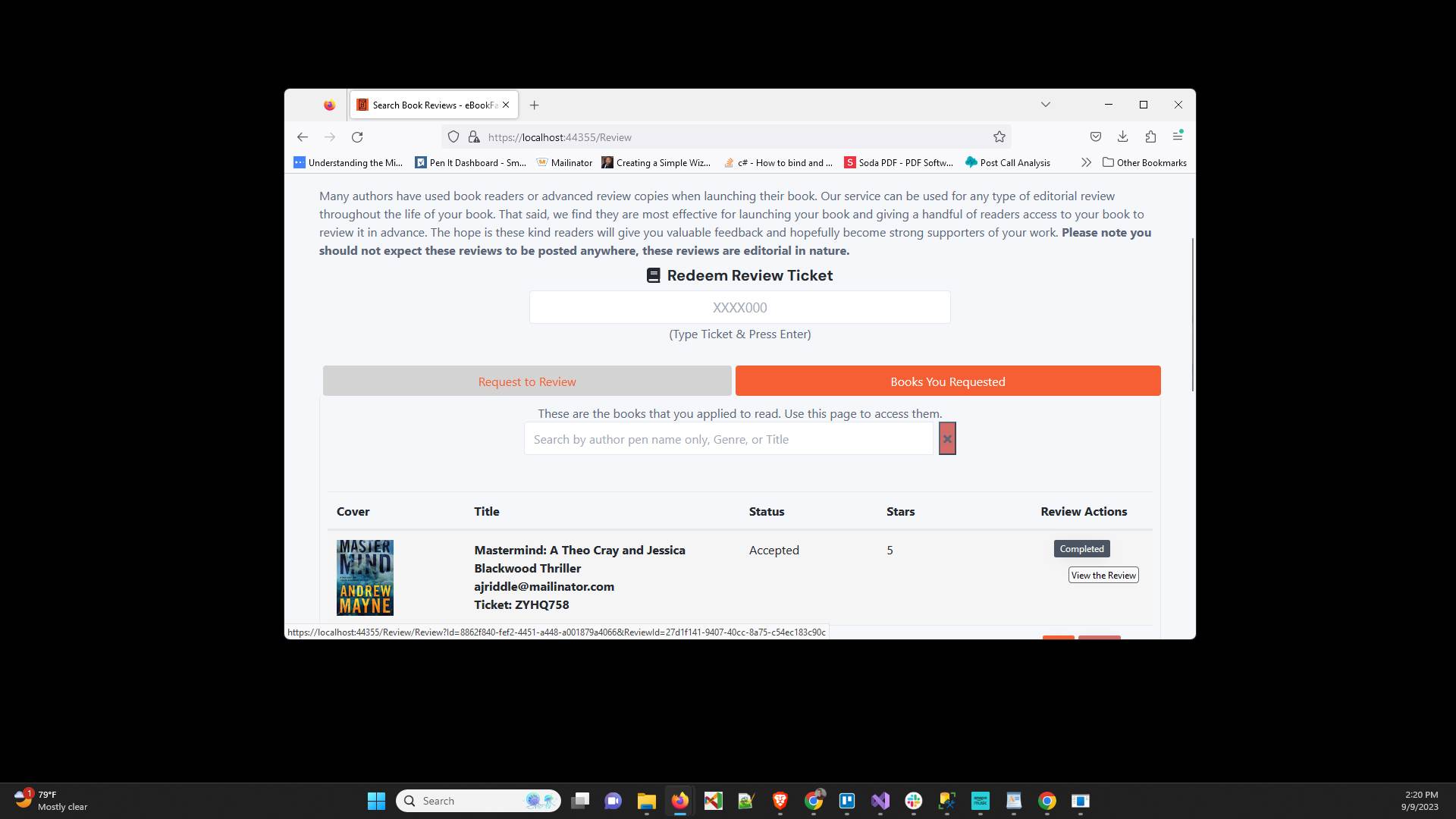
Click on the "Books You Requested" tab
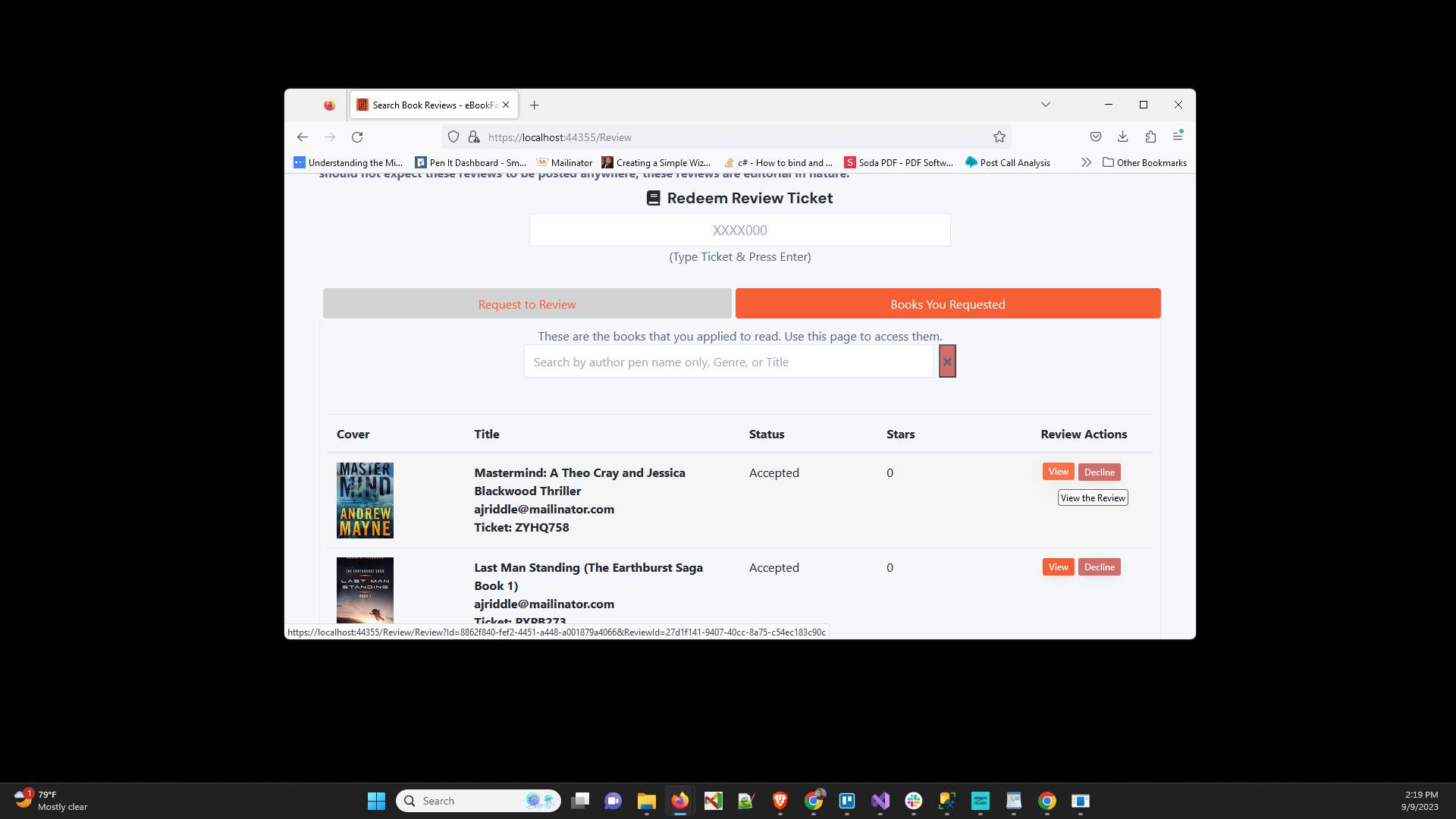
Click "View" on the book you would like to download
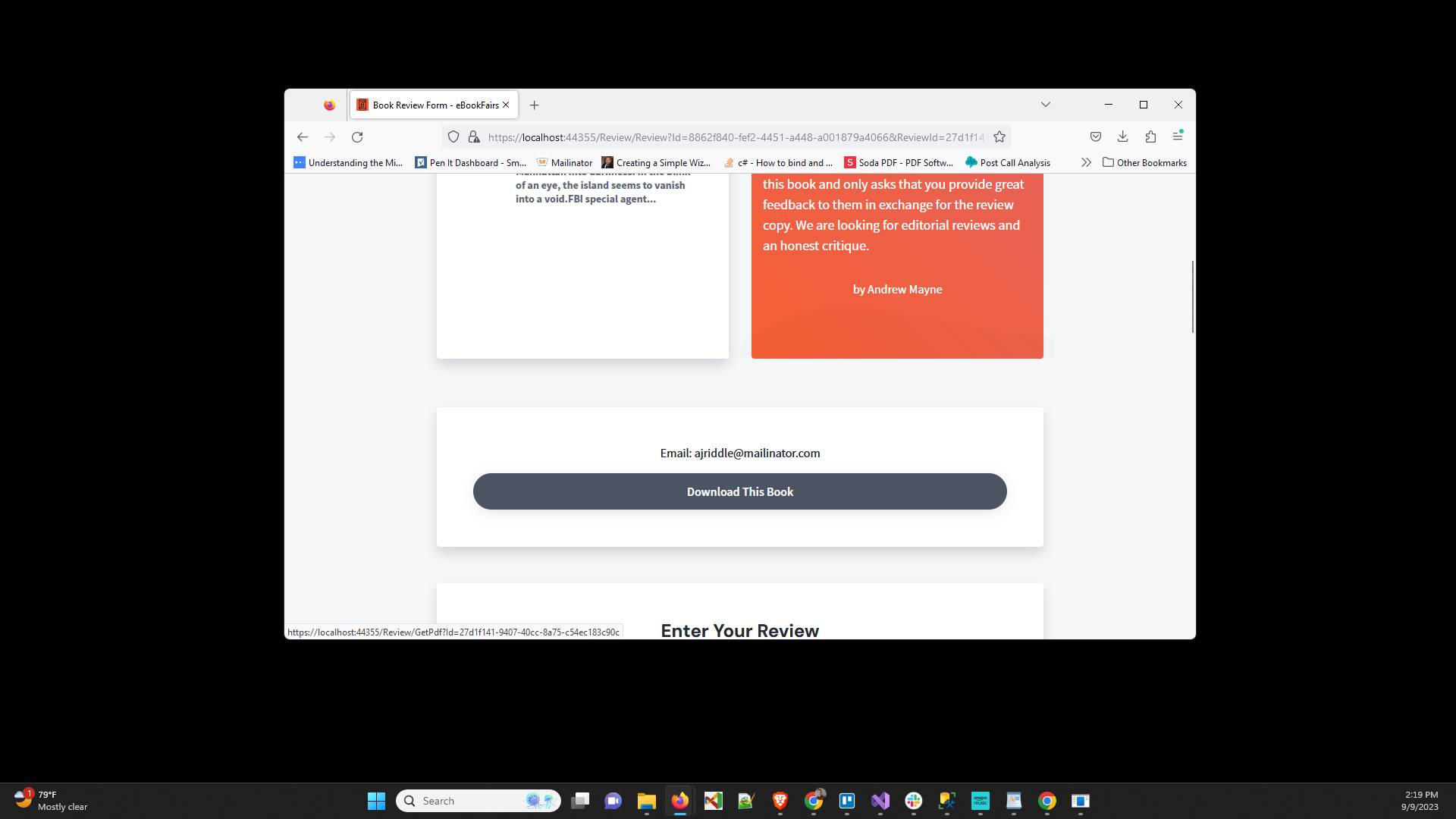
Click "Download This Book"
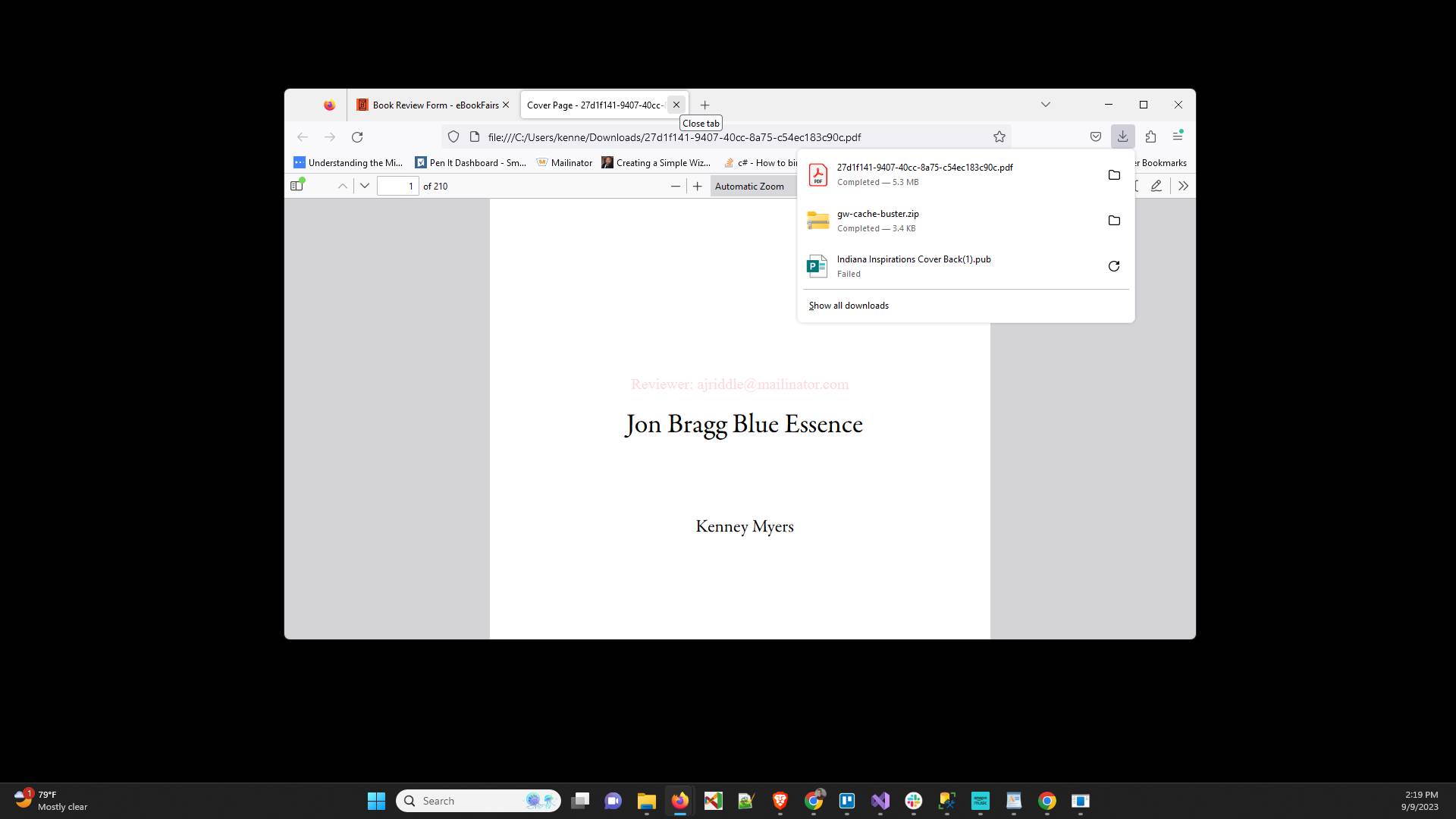
Once the PDF downloads, open it up and read the book
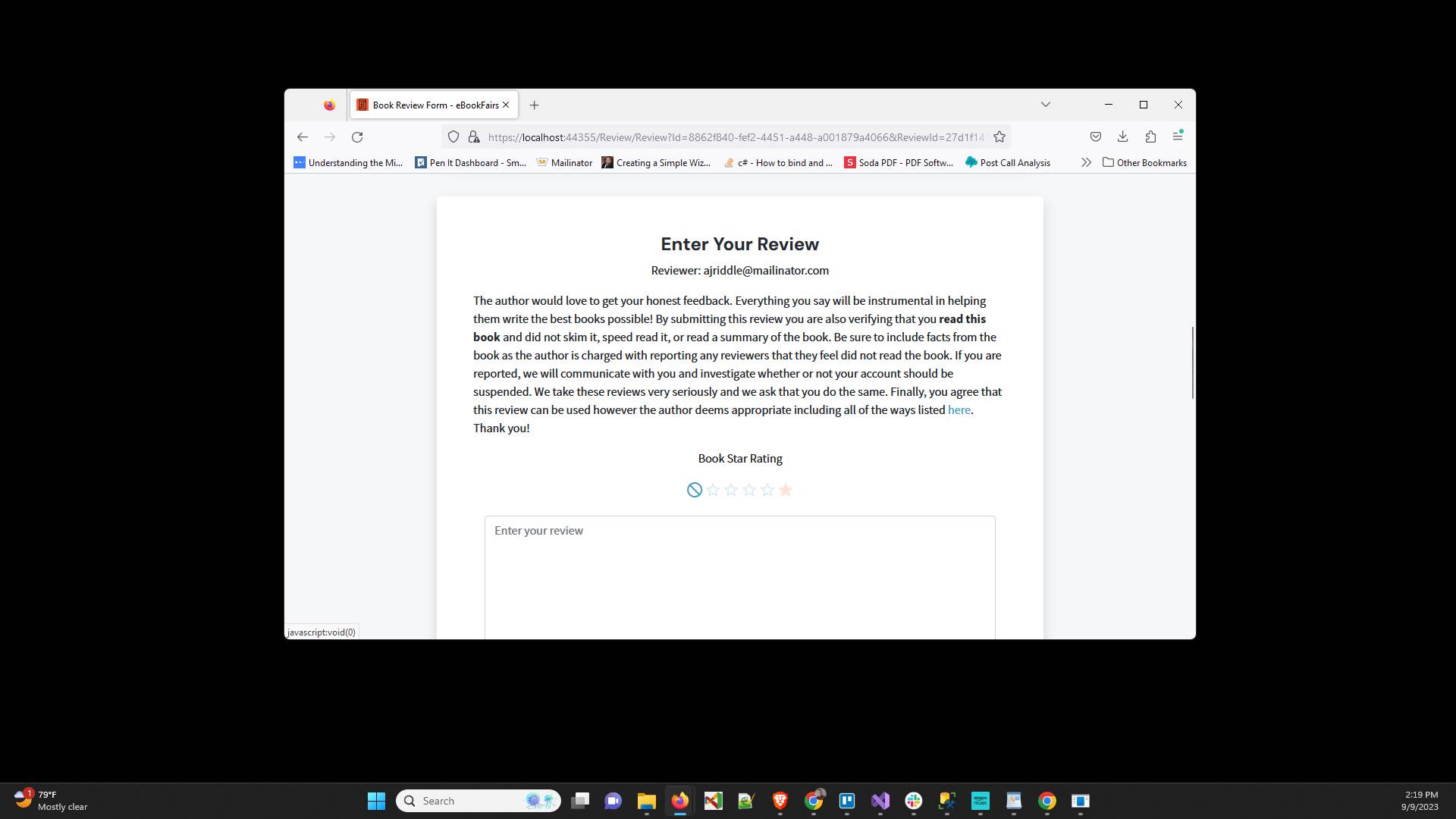
To rate the book after reading it select the number of stars
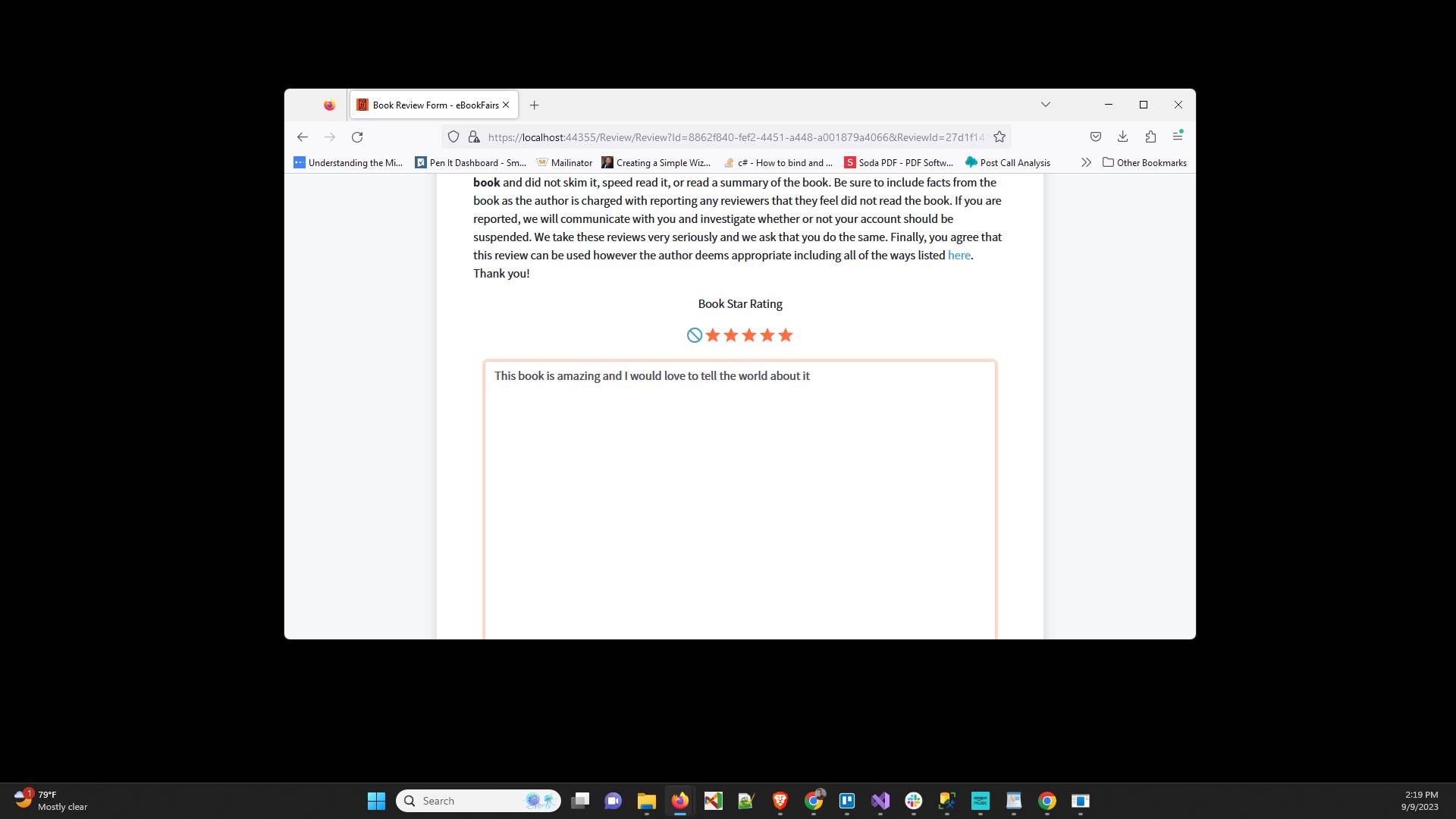
Then type your review into the review editor
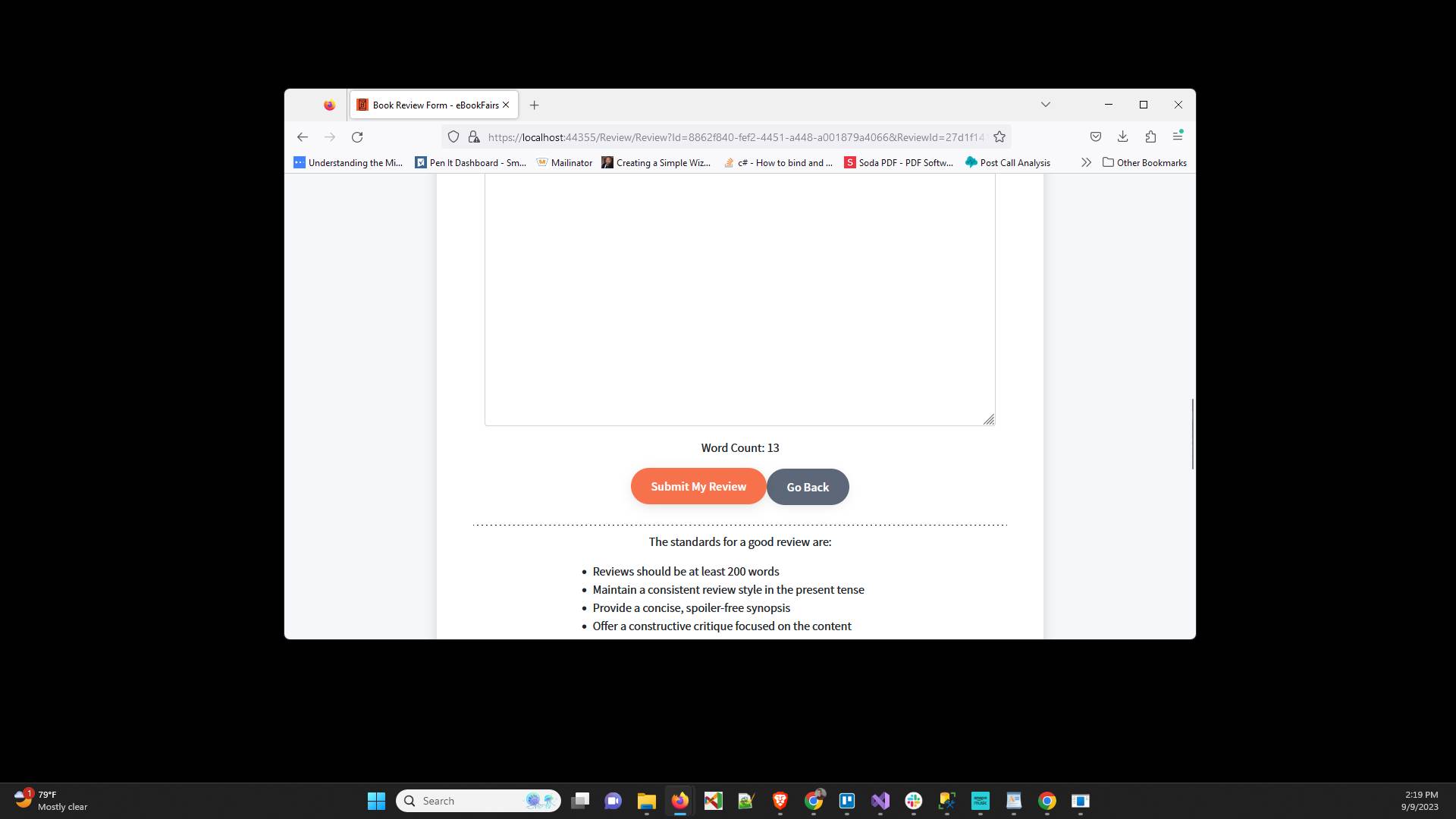
Click "Submit My Review"
After you do that the status of the review will change to Completed
Have ideas or feedback?
Add a comment to ask questions, clarify steps, or suggest improvements (compliments welcome, too!).
Processing...