How to Submit a Book to be Reviewed
This guide provides step-by-step instructions on how to submit a book for review. It outlines the process on a platform, from logging in as an author to uploading a book cover and PDF, providing a book description and genre, and entering a pen name. Following this guide will help authors easily navigate the submission process and increase their chances of having their book reviewed.
Customer Support | 11 steps | 45 Seconds
After you login as an author go to "Book Reviews"
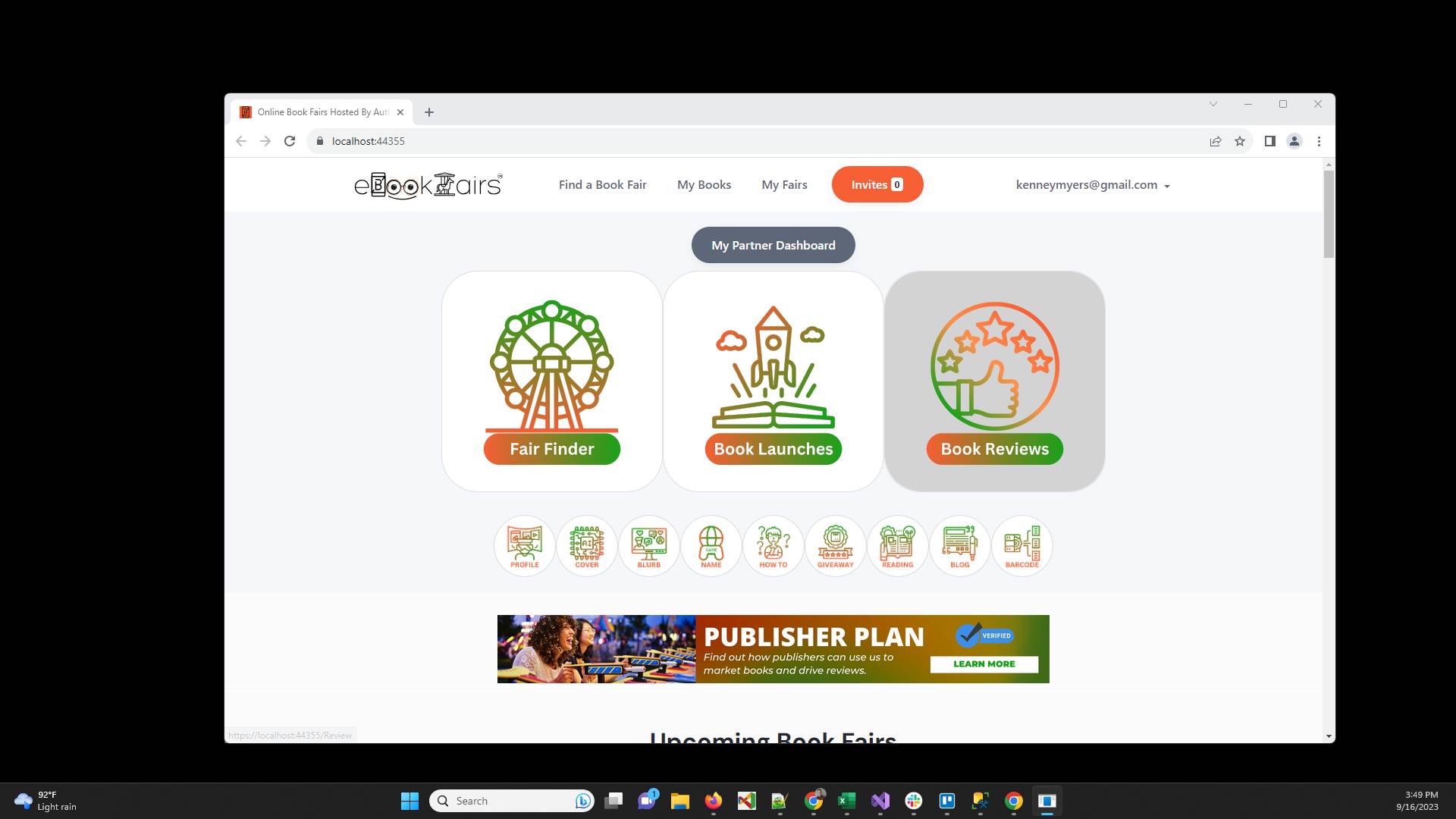
Click the "Request to Review" tab
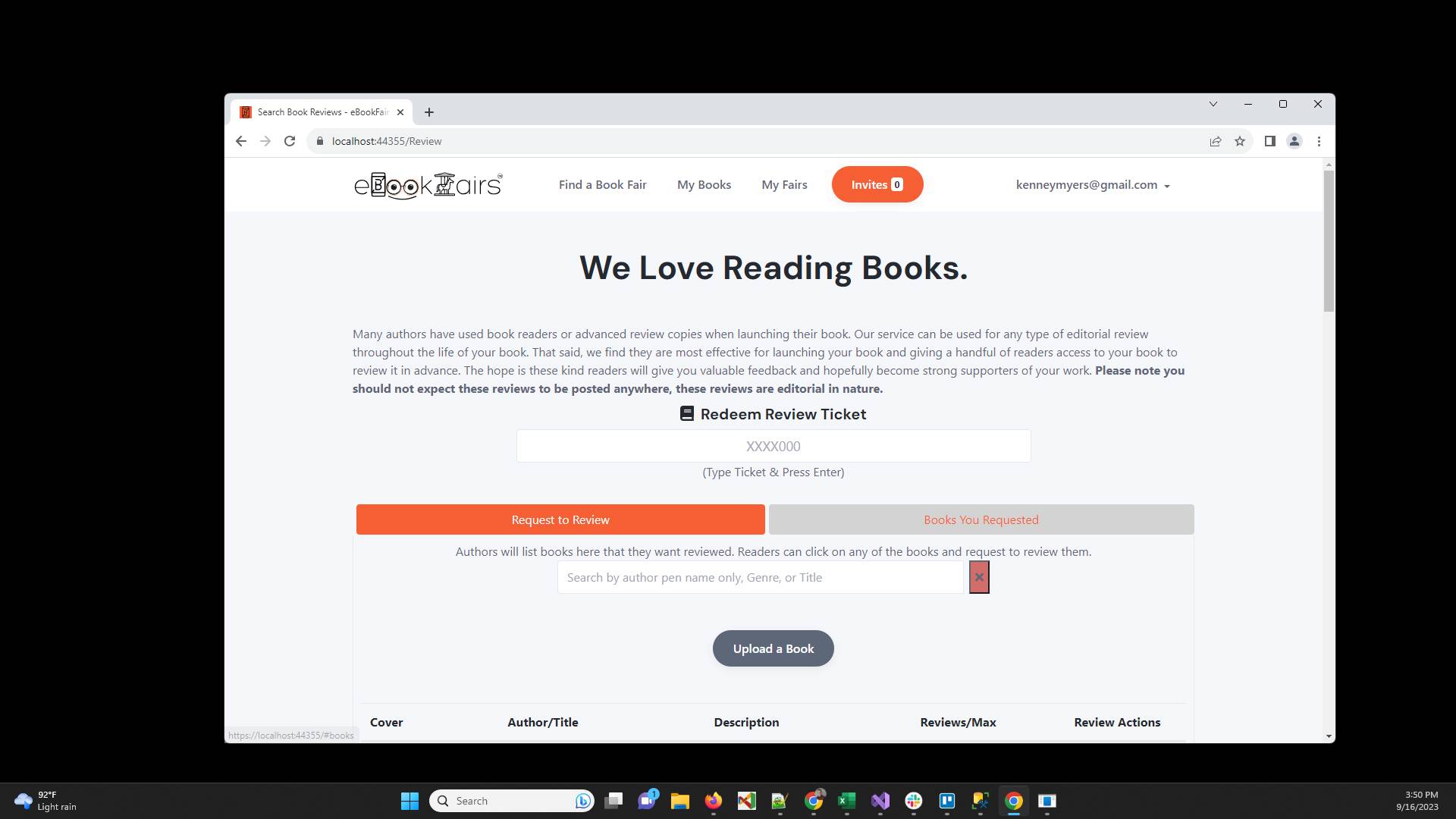
Click the "Upload a Book" button
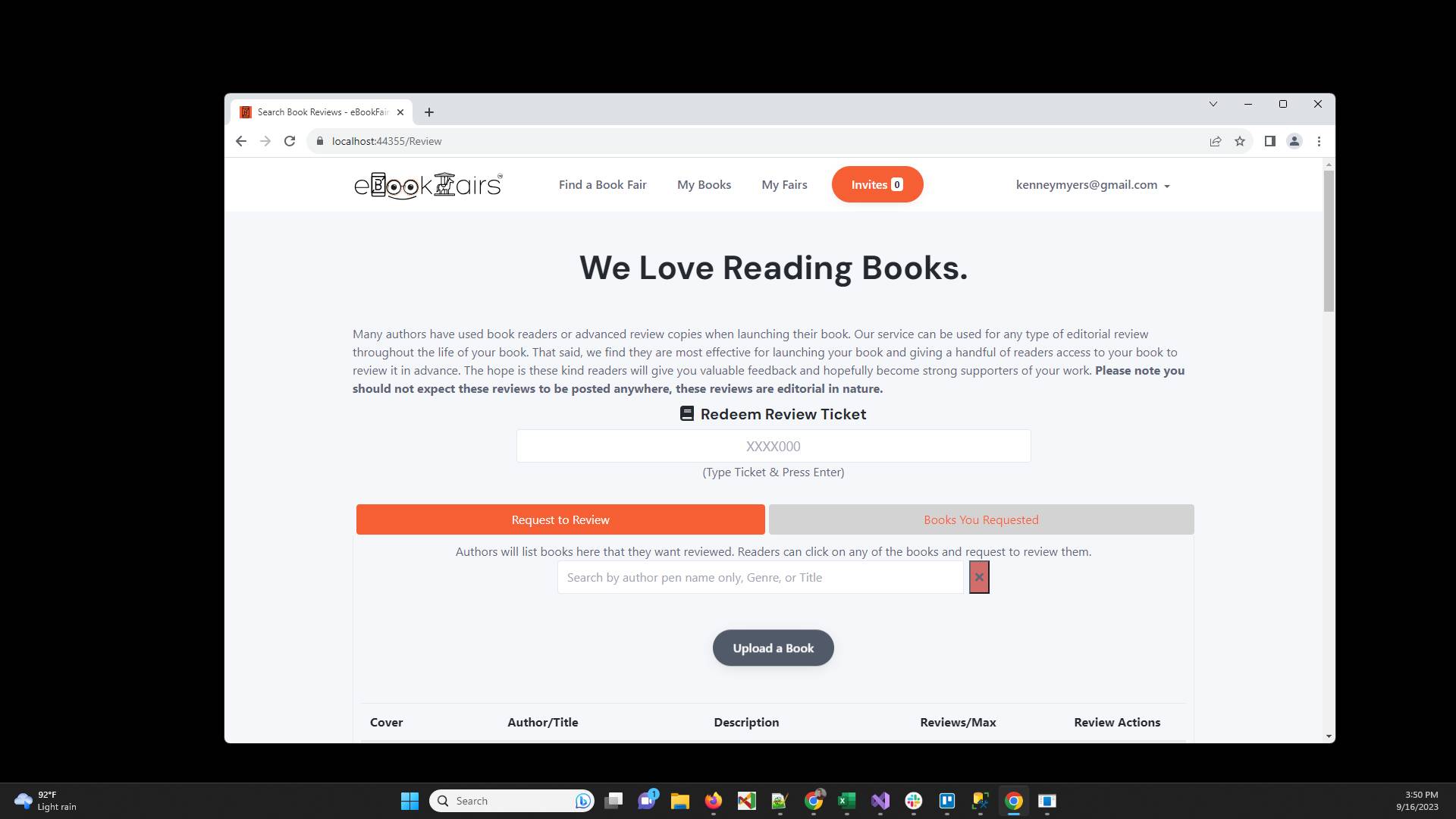
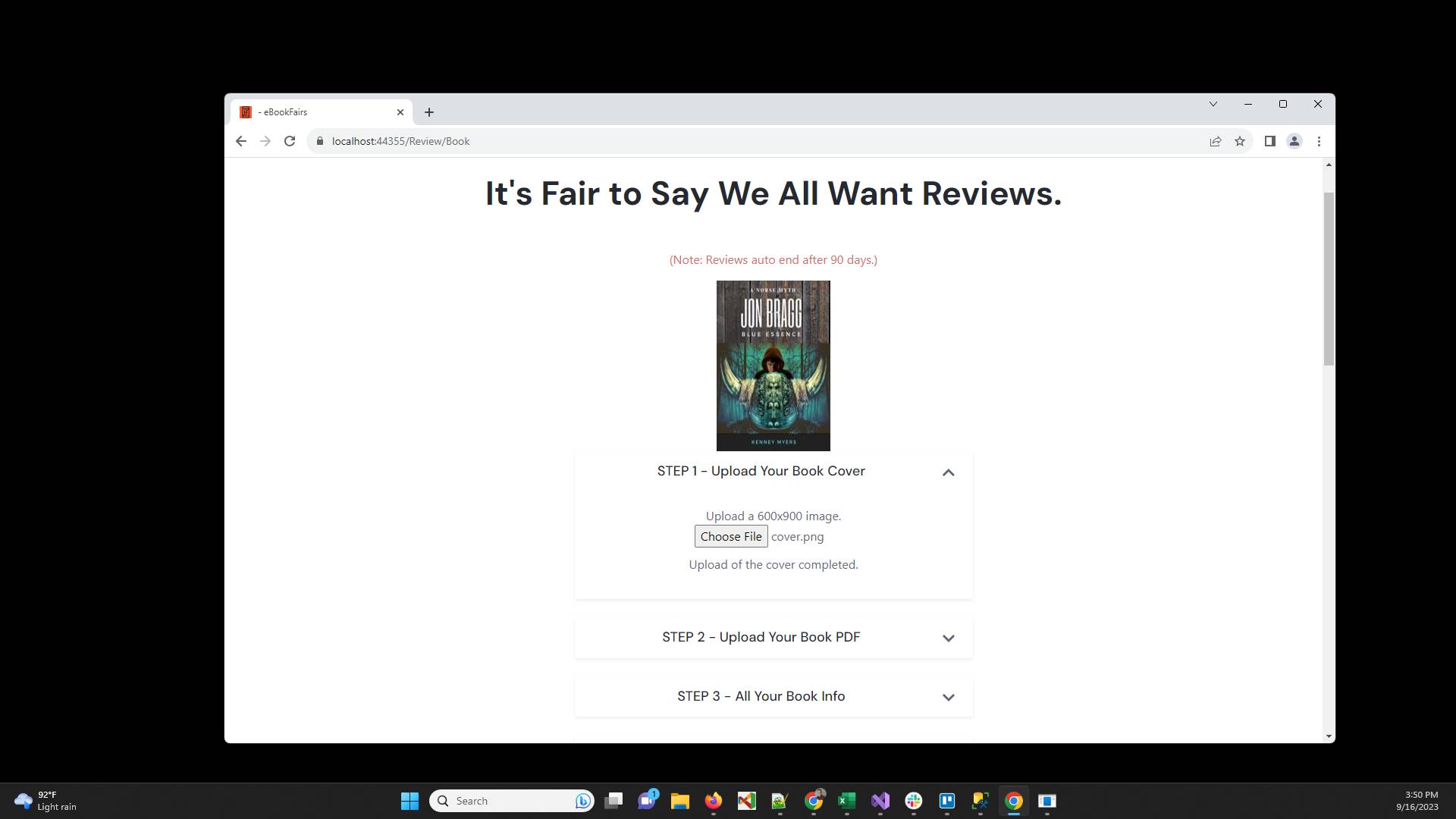
Click "Choose File" to select a 600x900 book cover

Click the STEP 2 down arrow to expand that section
Click "Choose File" to upload a PDF of your book
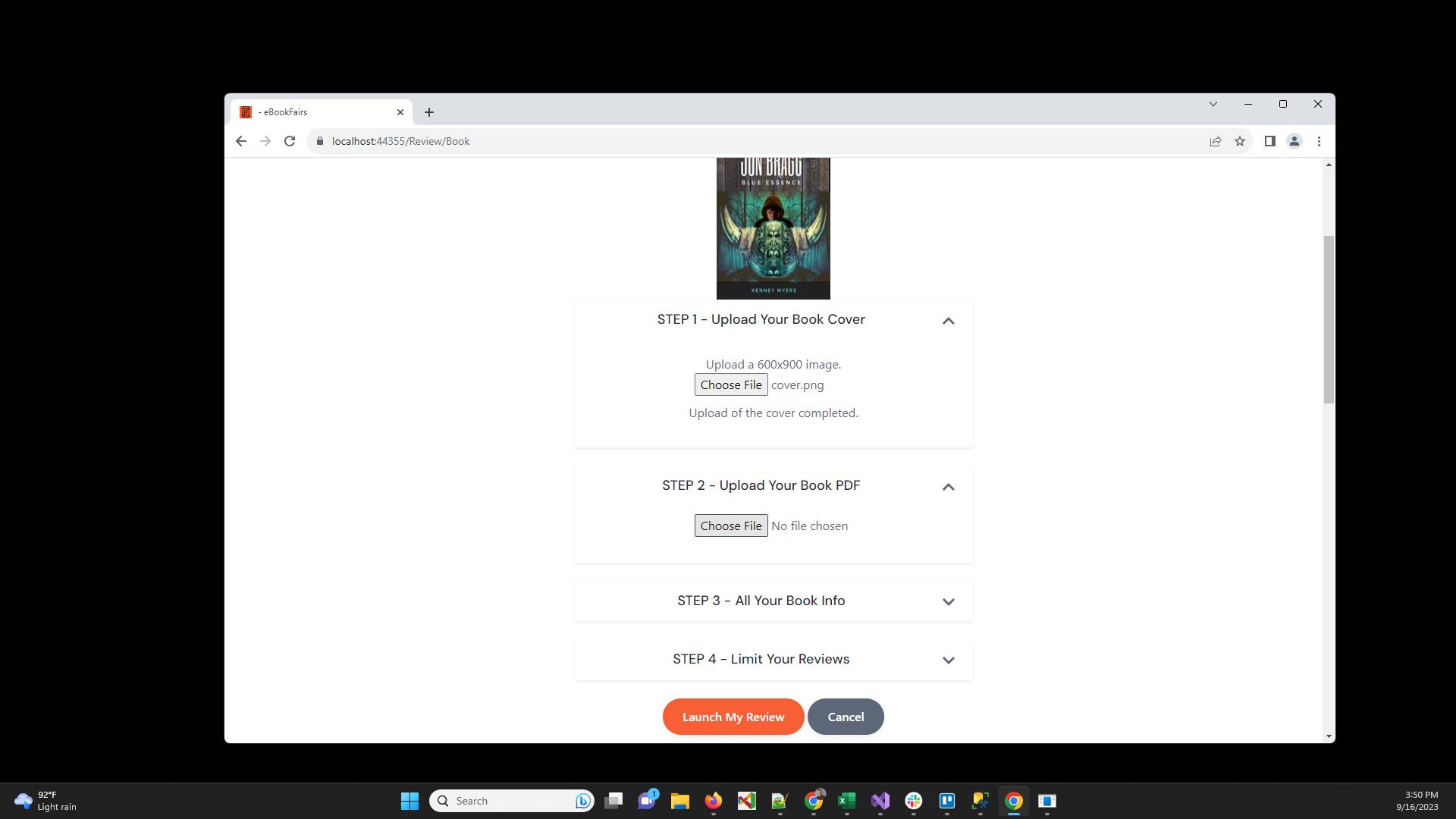
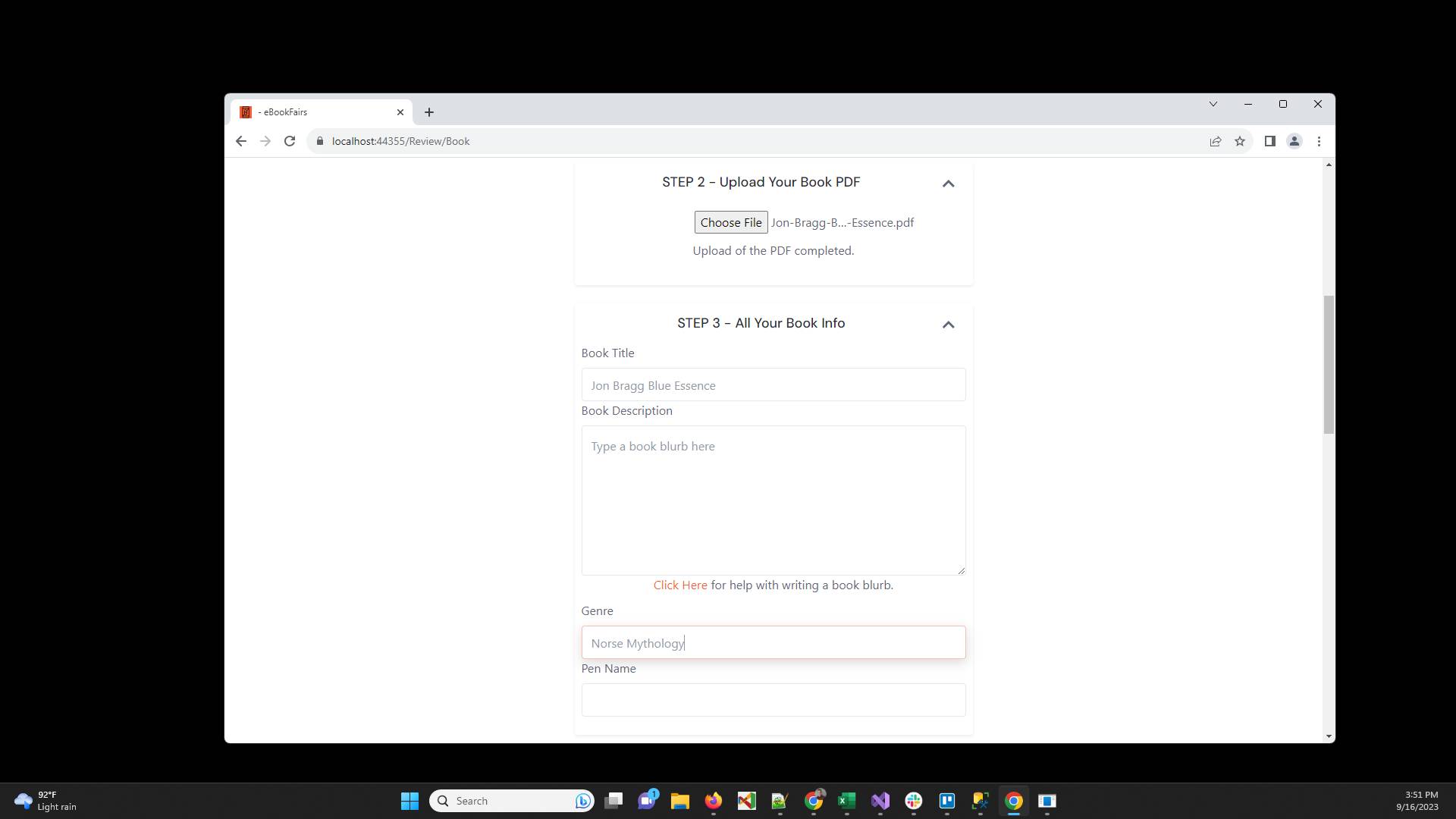
Now click the down arrow on STEP 3 to expand that section
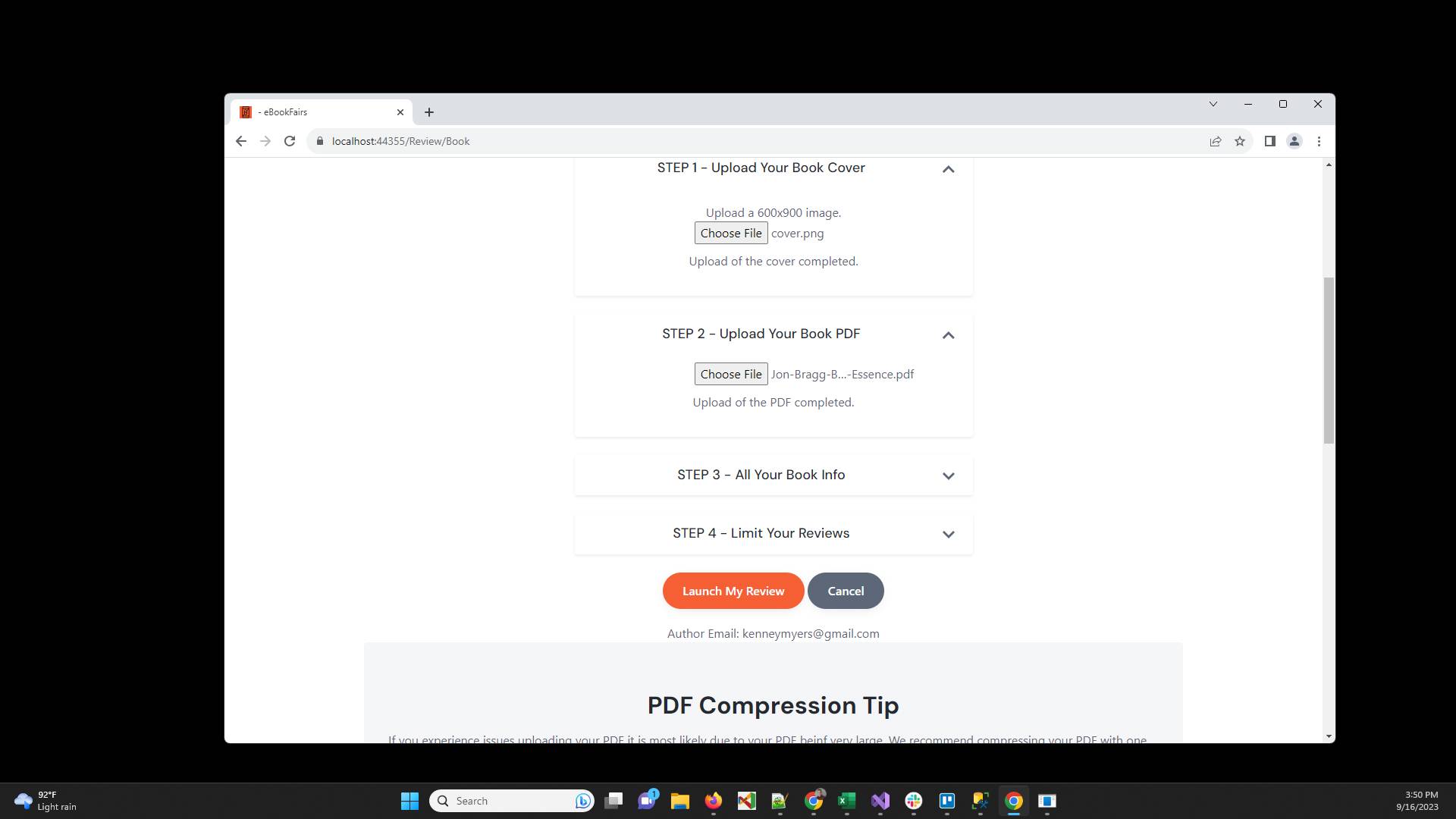
Type the Title of the book
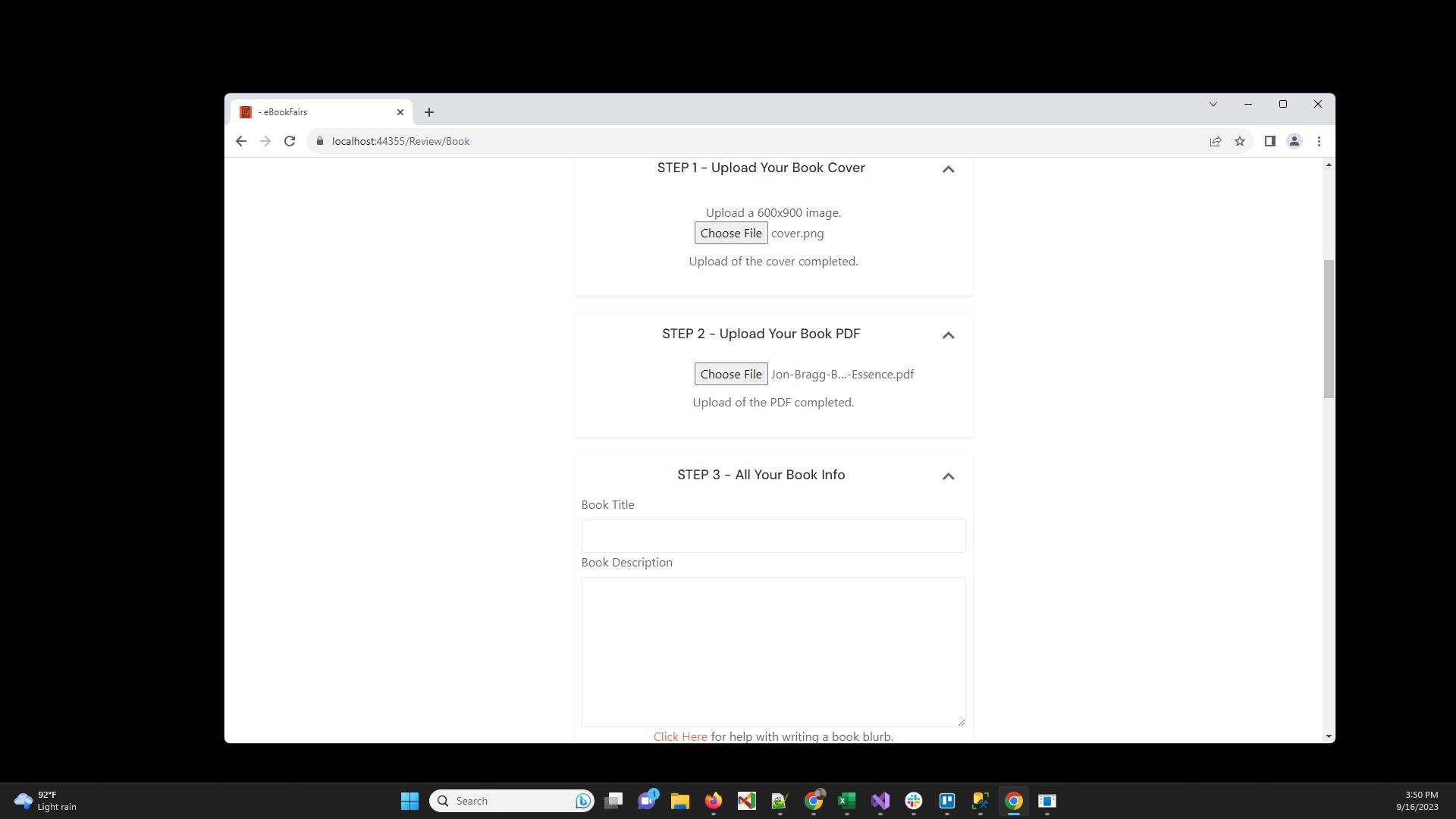
Type a description of your book that will help the reviewers decide if they are interested in reviewing this book (usually just the book blurb you use on Amazon).
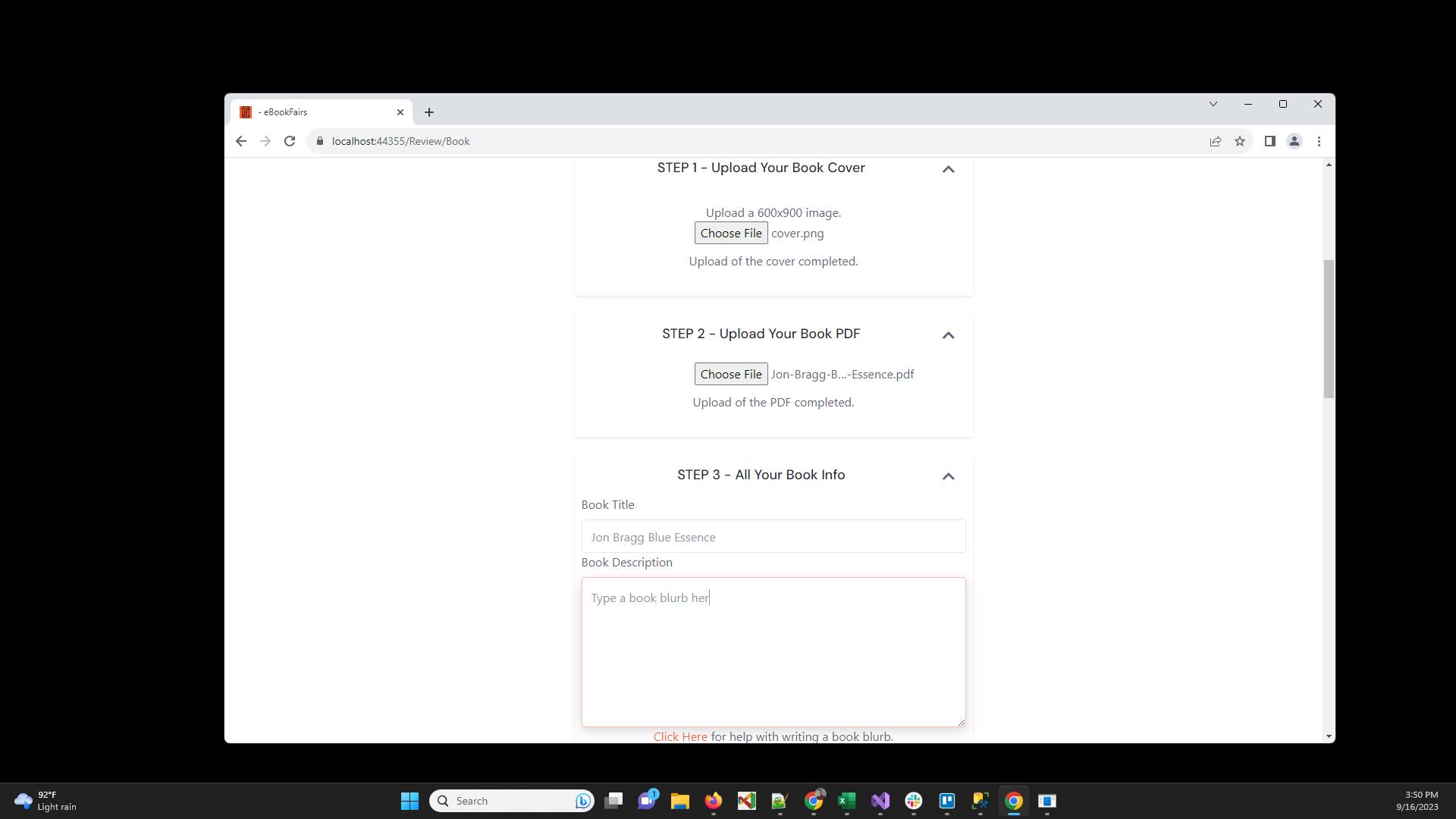
Type any genre that you want
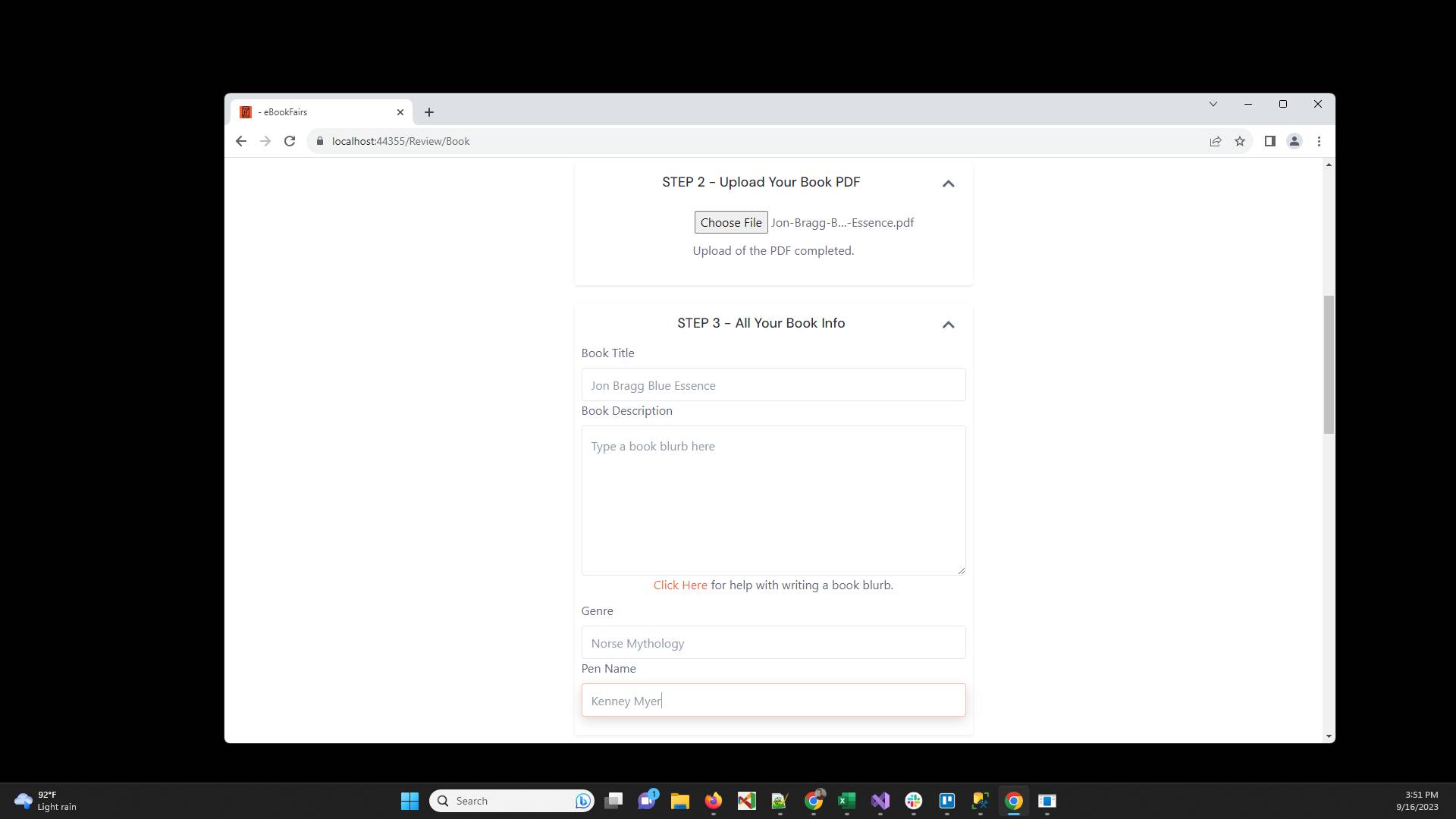
Type your pen name
Have ideas or feedback?
Add a comment to ask questions, clarify steps, or suggest improvements (compliments welcome, too!).
Processing...