How an Author Can Disable Auto Accept for Book Reviews
This guide provides a step-by-step process on how authors can disable the auto-accept feature for book reviews. By following these instructions, authors can have more control over the reviews they receive, ensuring a fair and unbiased evaluation of their work.
Customer Support | 6 steps | 35 Seconds
1
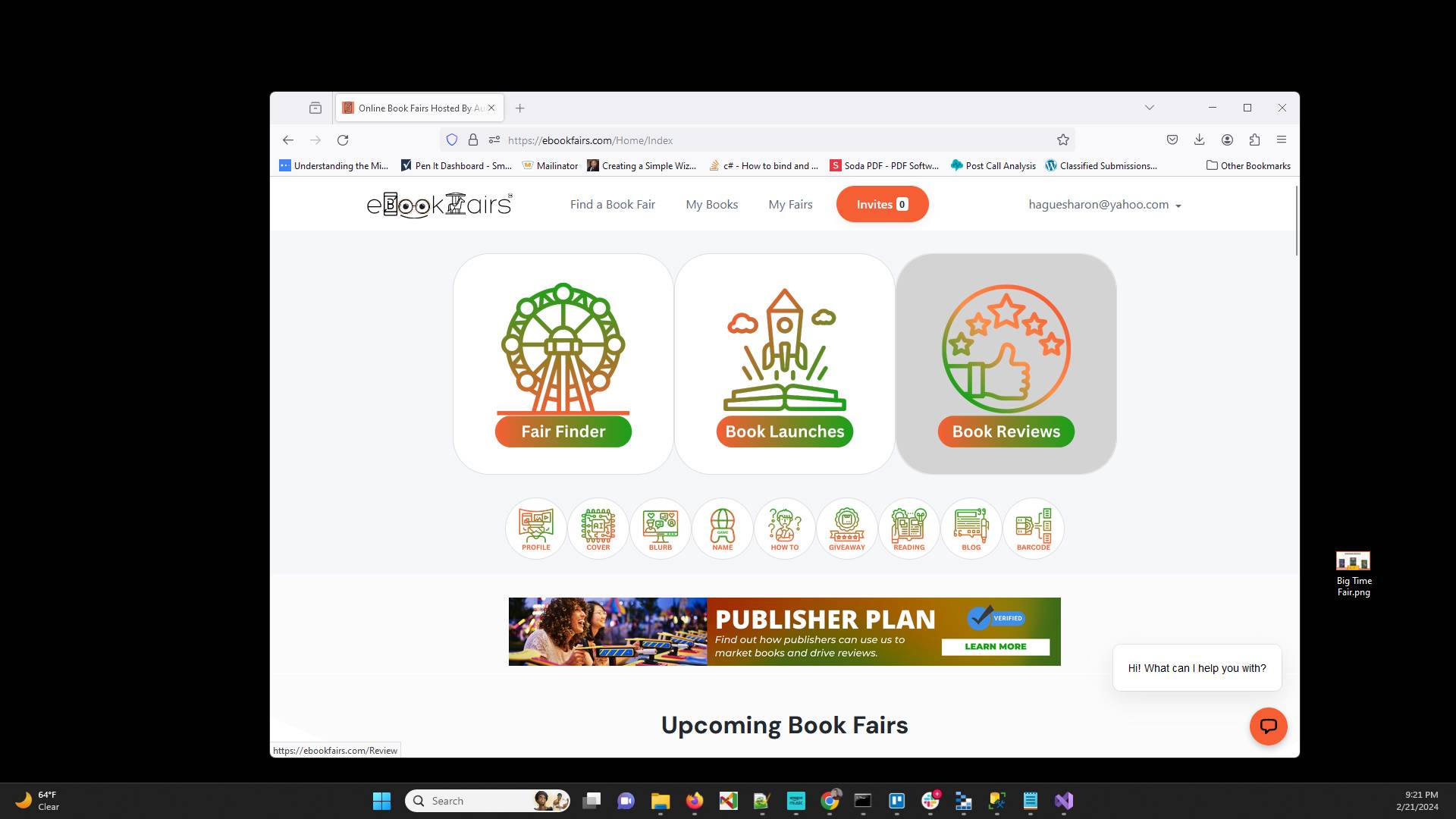
Make sure you are logged into the system and then go to Book Reviews.
2
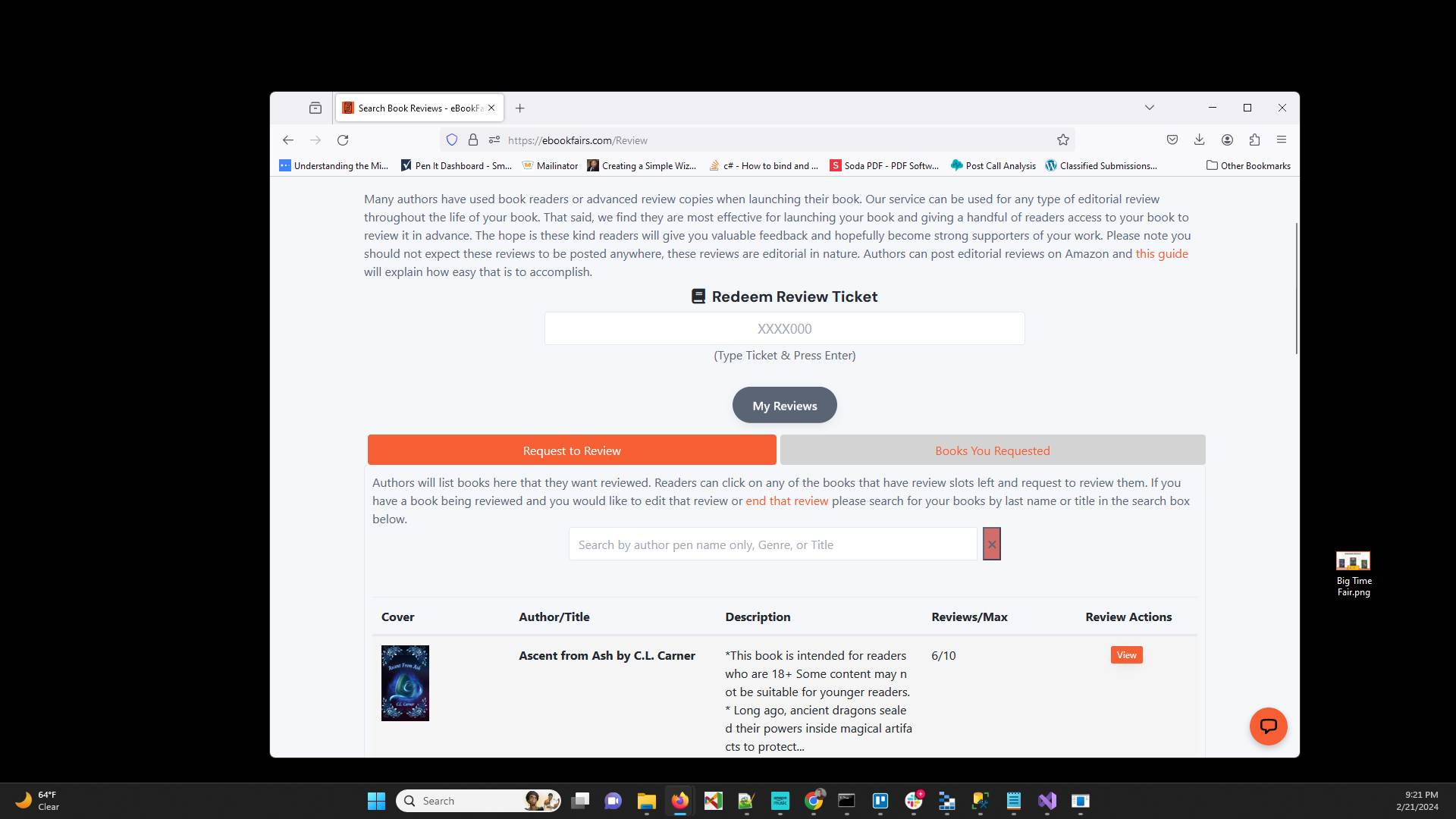
Click "My Reviews"
3
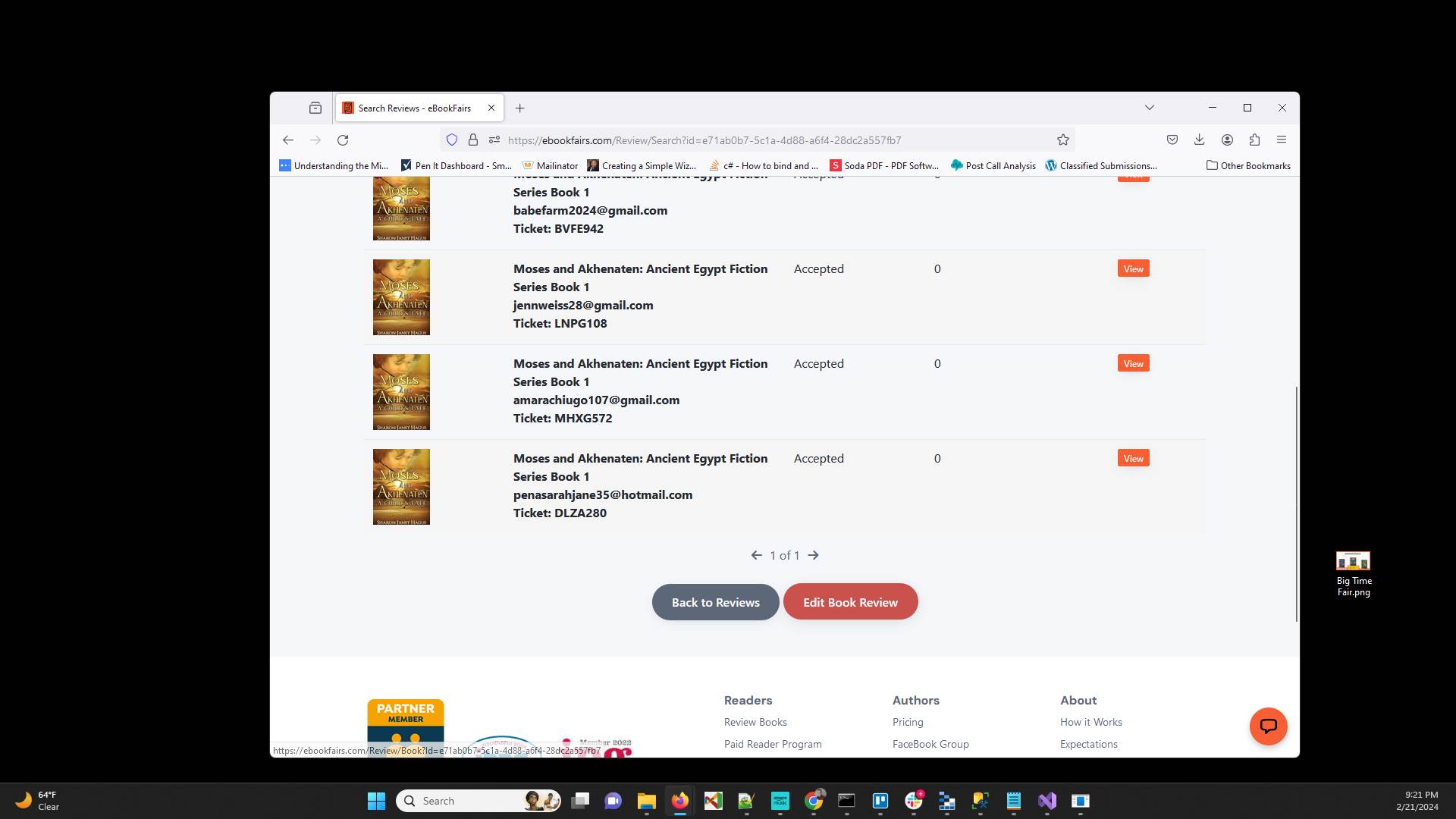
Click "Edit Book Review"
4
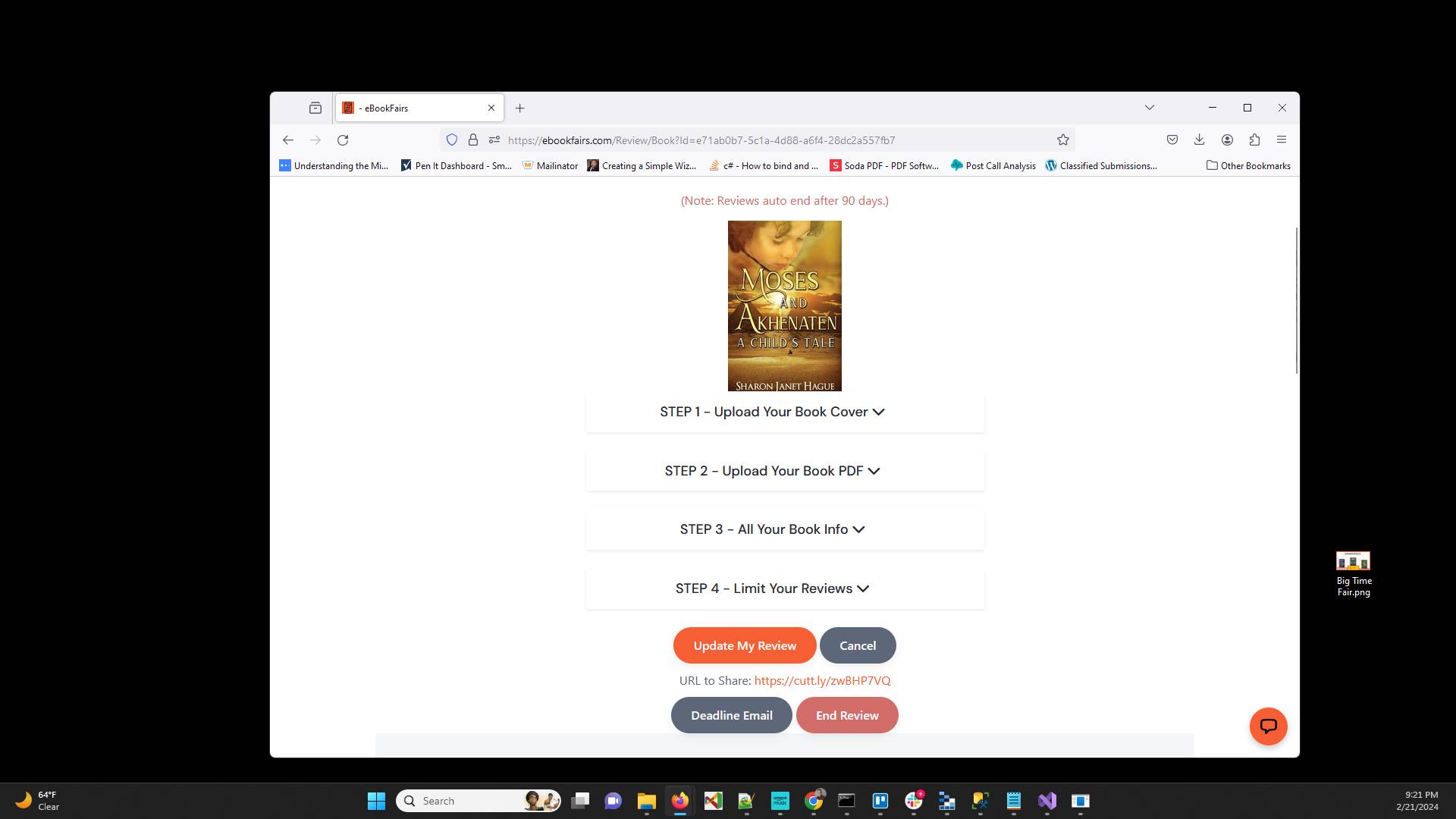
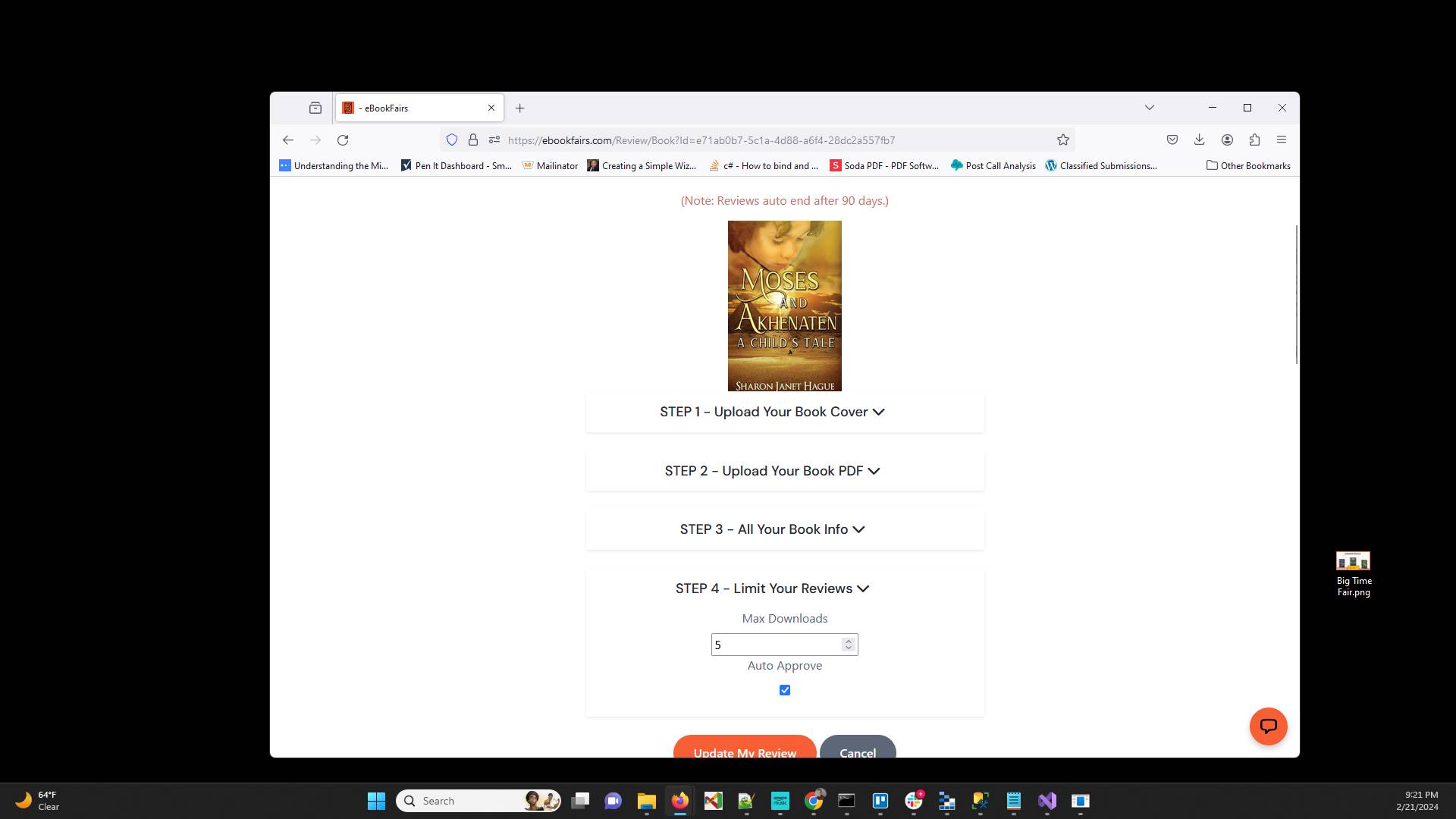
Click on Step 4 - Limit Your Reviews
5
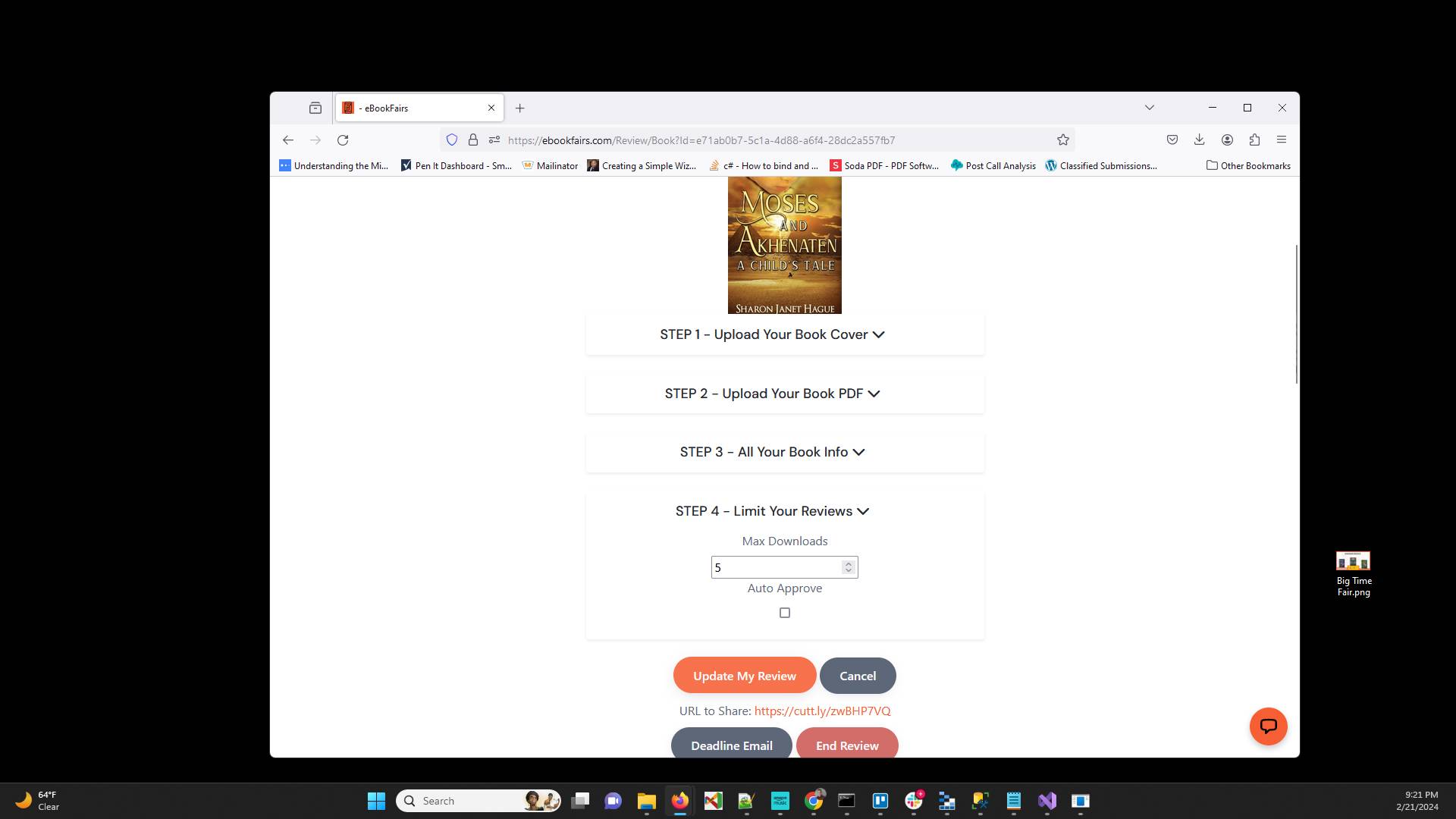
Uncheck the Auto Approve setting
6
Click "Update My Review"
Have ideas or feedback?
Add a comment to ask questions, clarify steps, or suggest improvements (compliments welcome, too!).
Processing...