Create a New Book Fair
This guide provides step-by-step instructions on how to create a new book fair on eBookFairs. By following these steps, you can easily set up a book fair and attract both authors and readers. The guide covers everything from naming the fair to creating a compelling description and uploading relevant files. If you're looking to create a book fair and want to ensure its success, this guide is a must-read.
Customer Support | 15 steps | 4 Minutes
Click "My Fairs" in the top menu
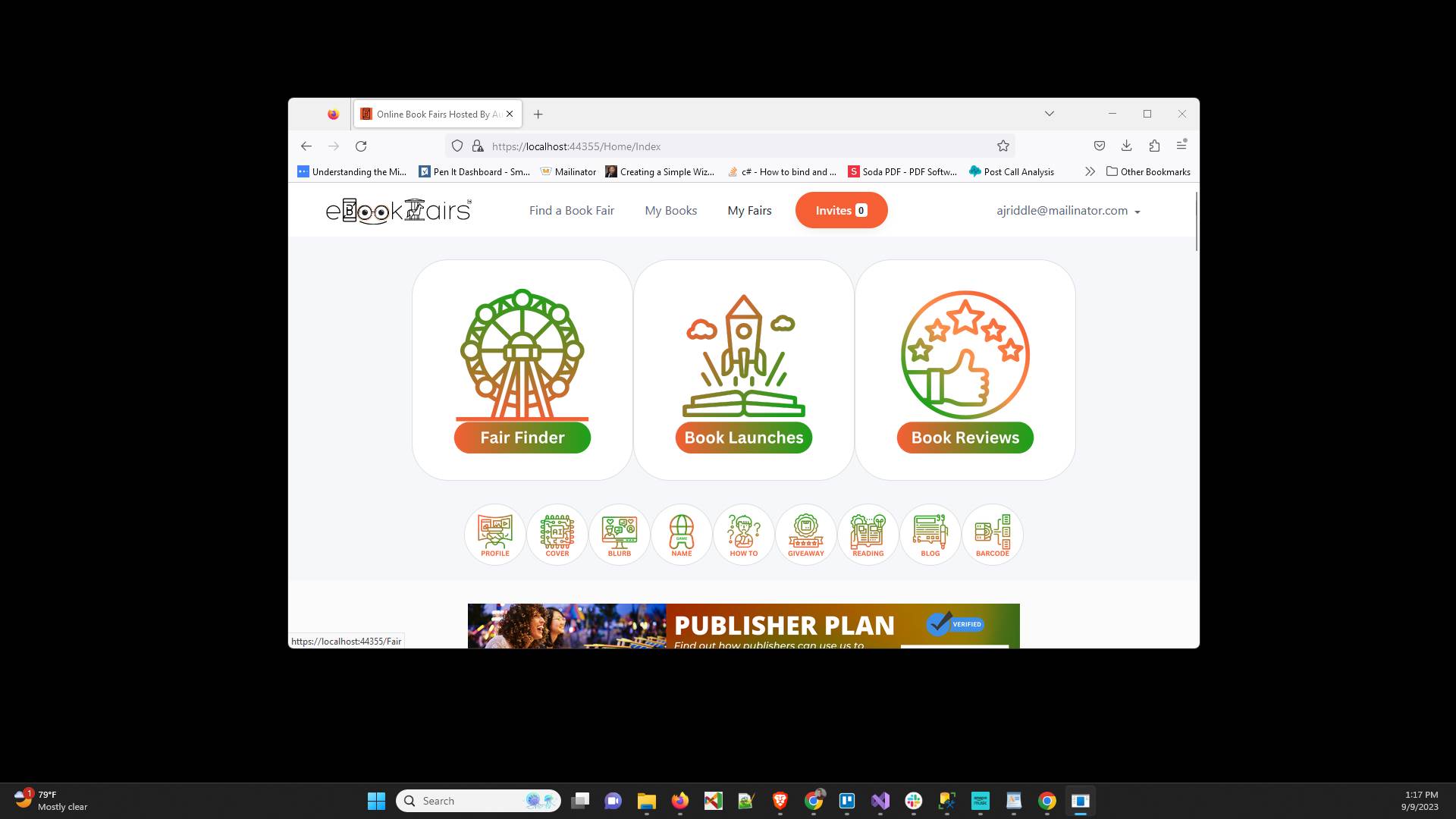
Click "Create A Fair"
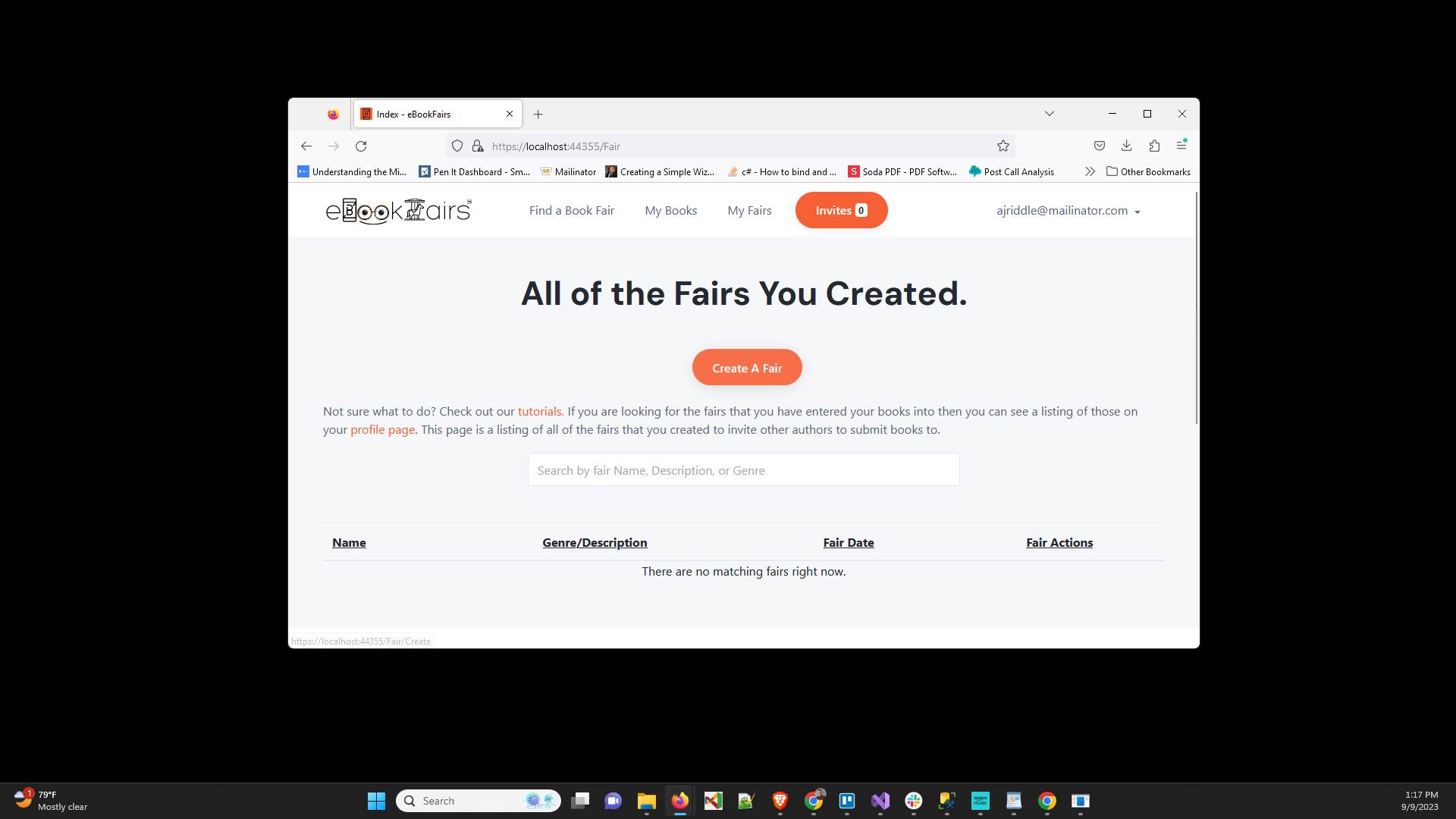
Click "Calendar" and choose a date for your fair
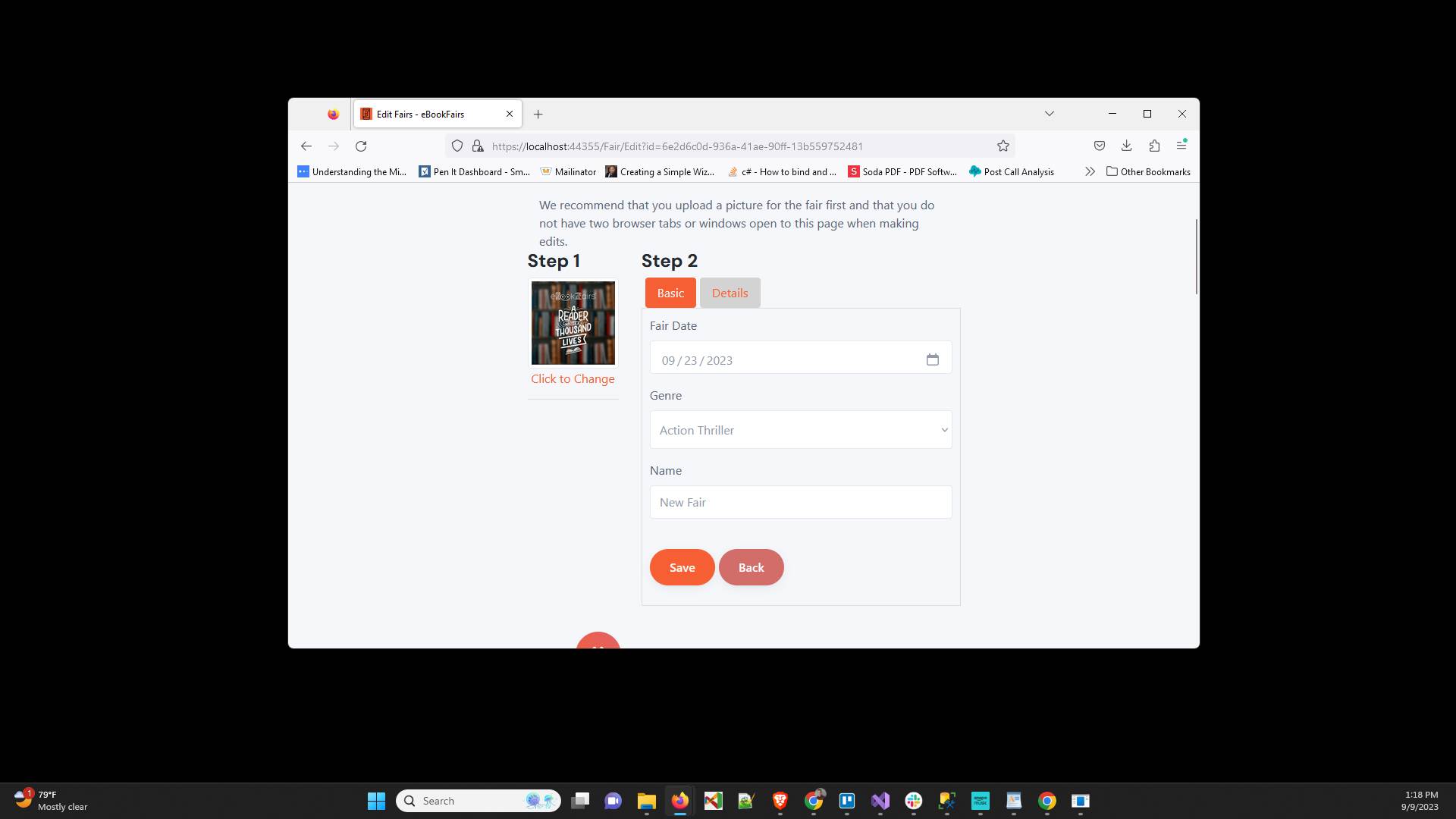
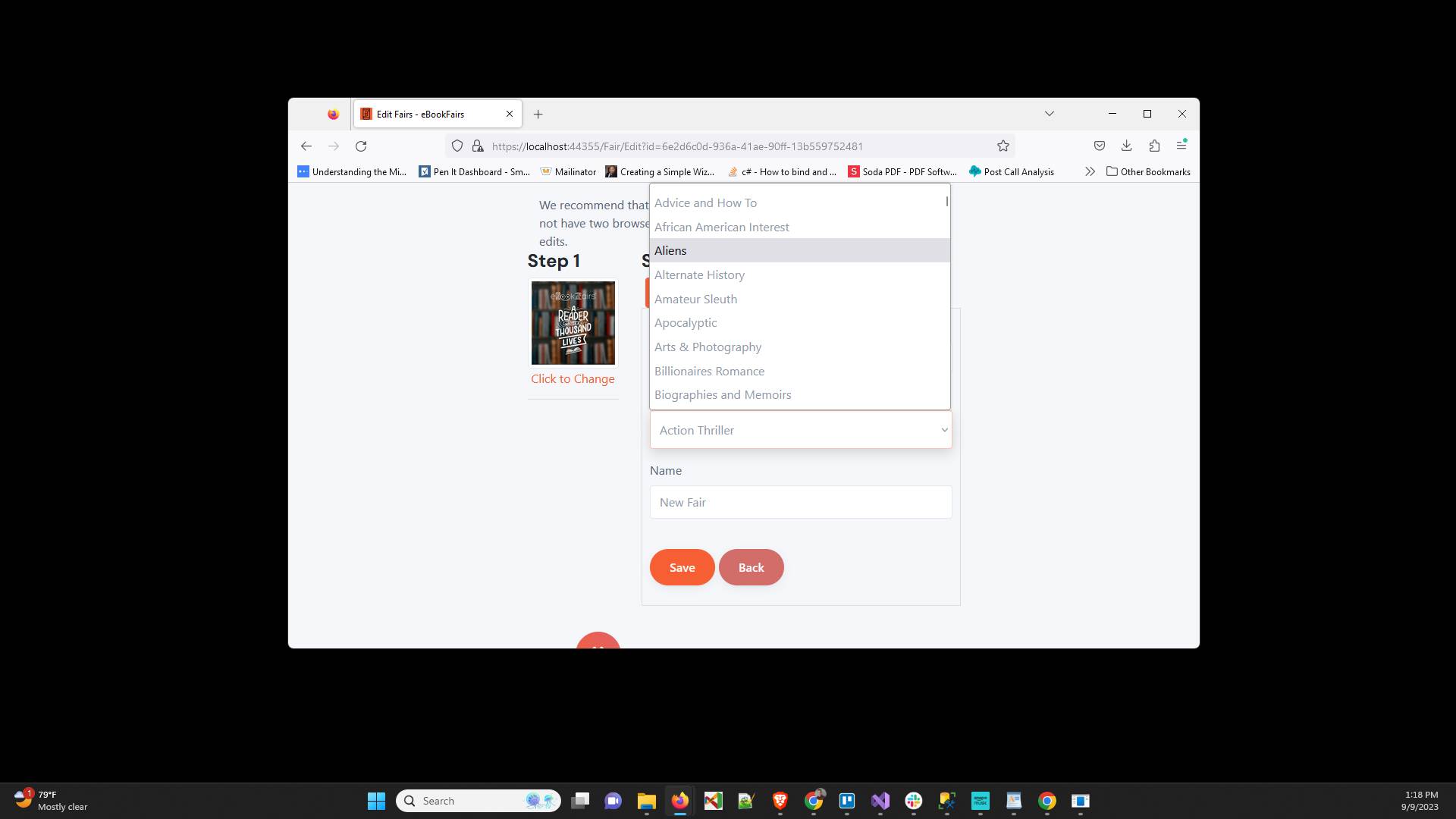
Click "Genre" and choose an appropriate main genre
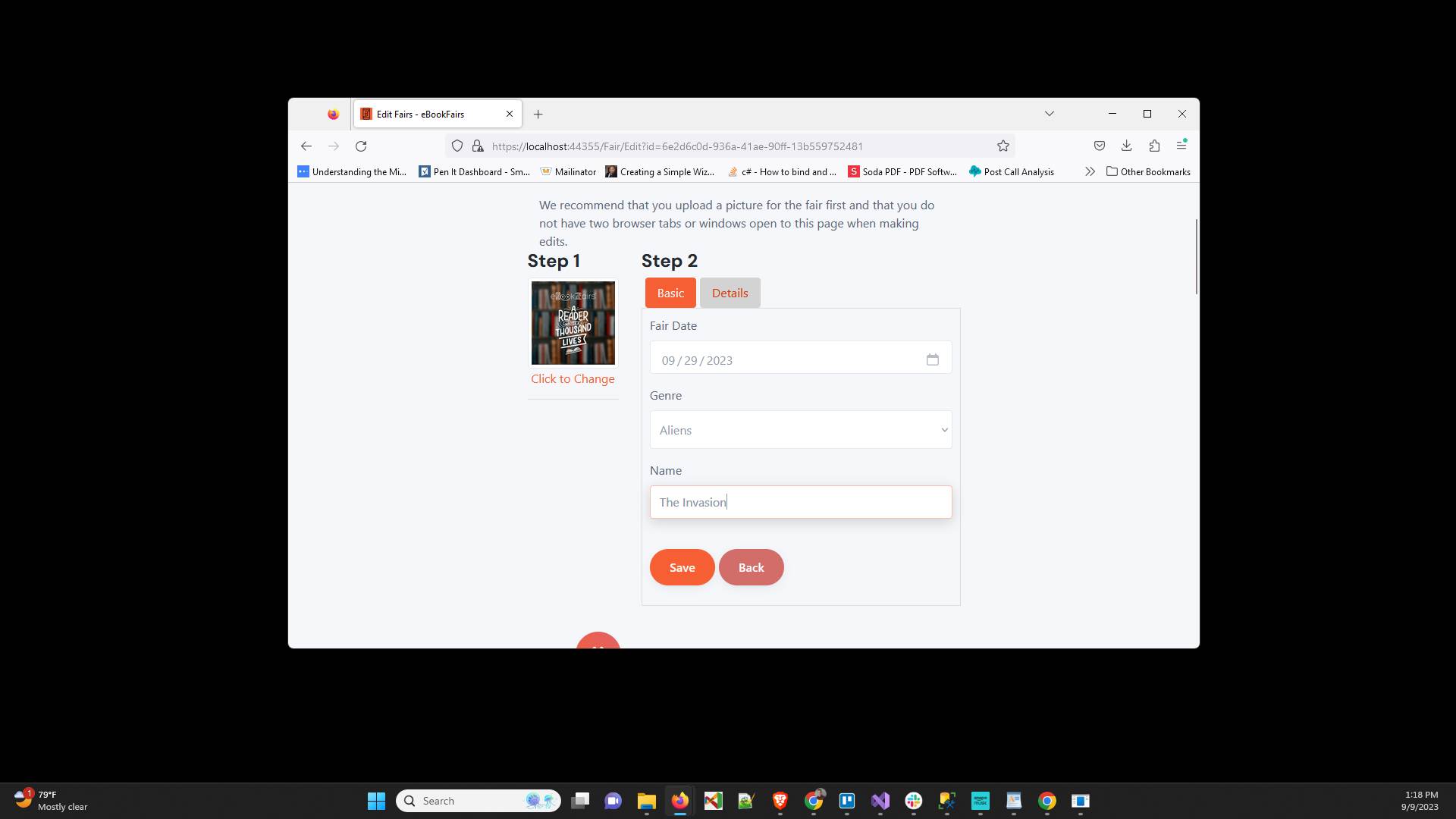
Click "Name" and enter an interesting name for your book fair
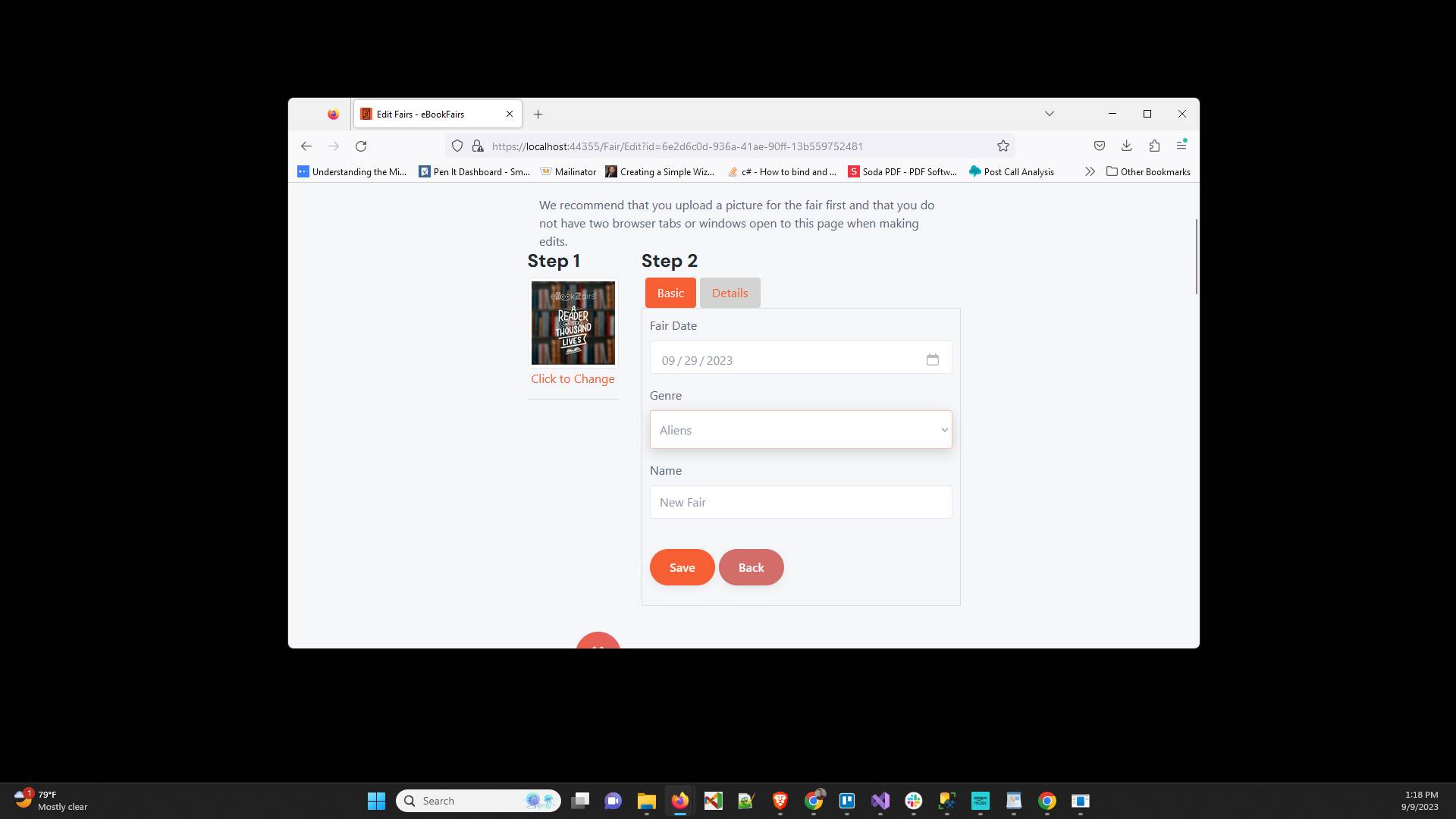
Click on the "Details" tab
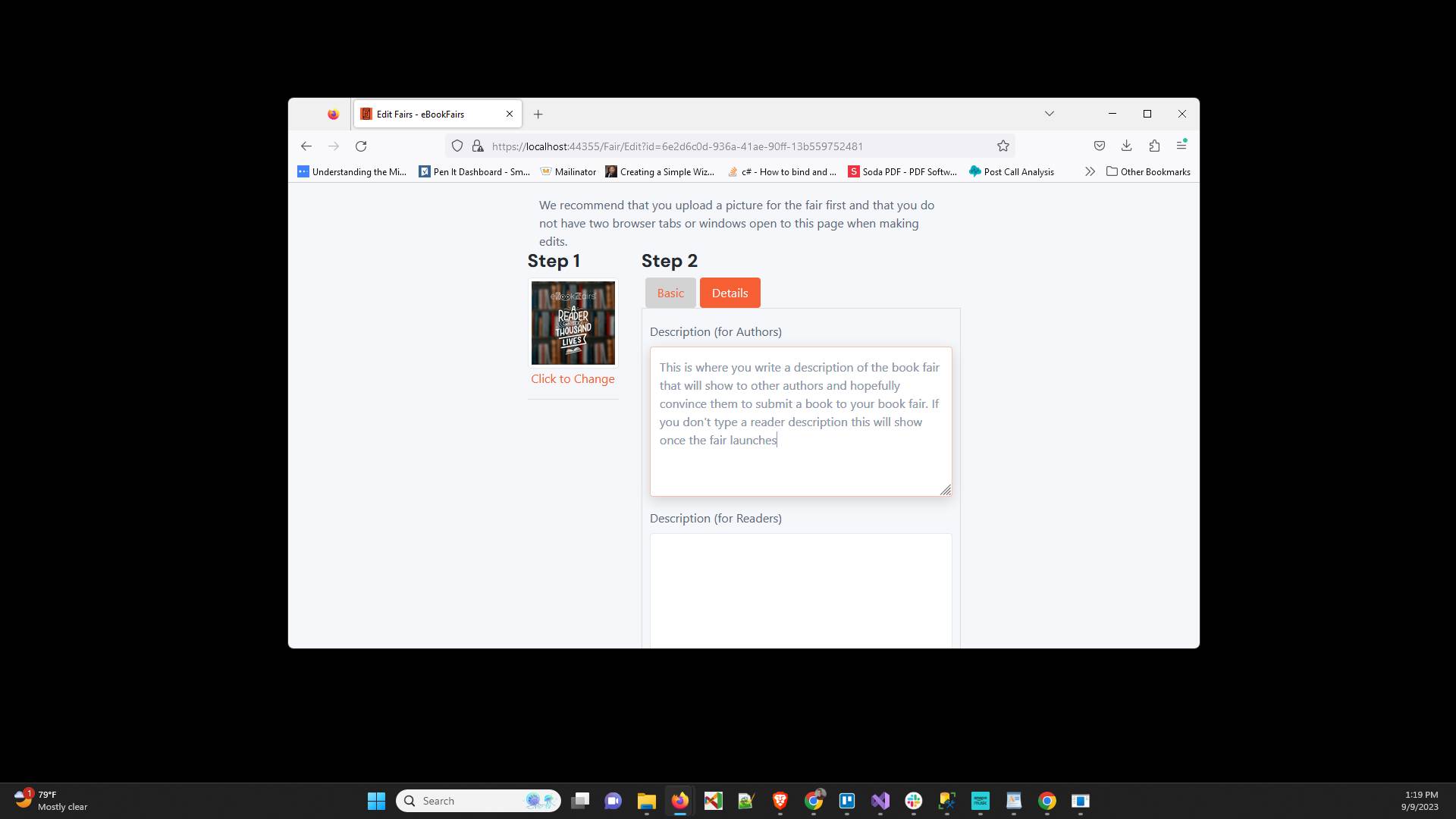
In "Description (for Authors)" type a description that will encourage authors to submit books to your fair
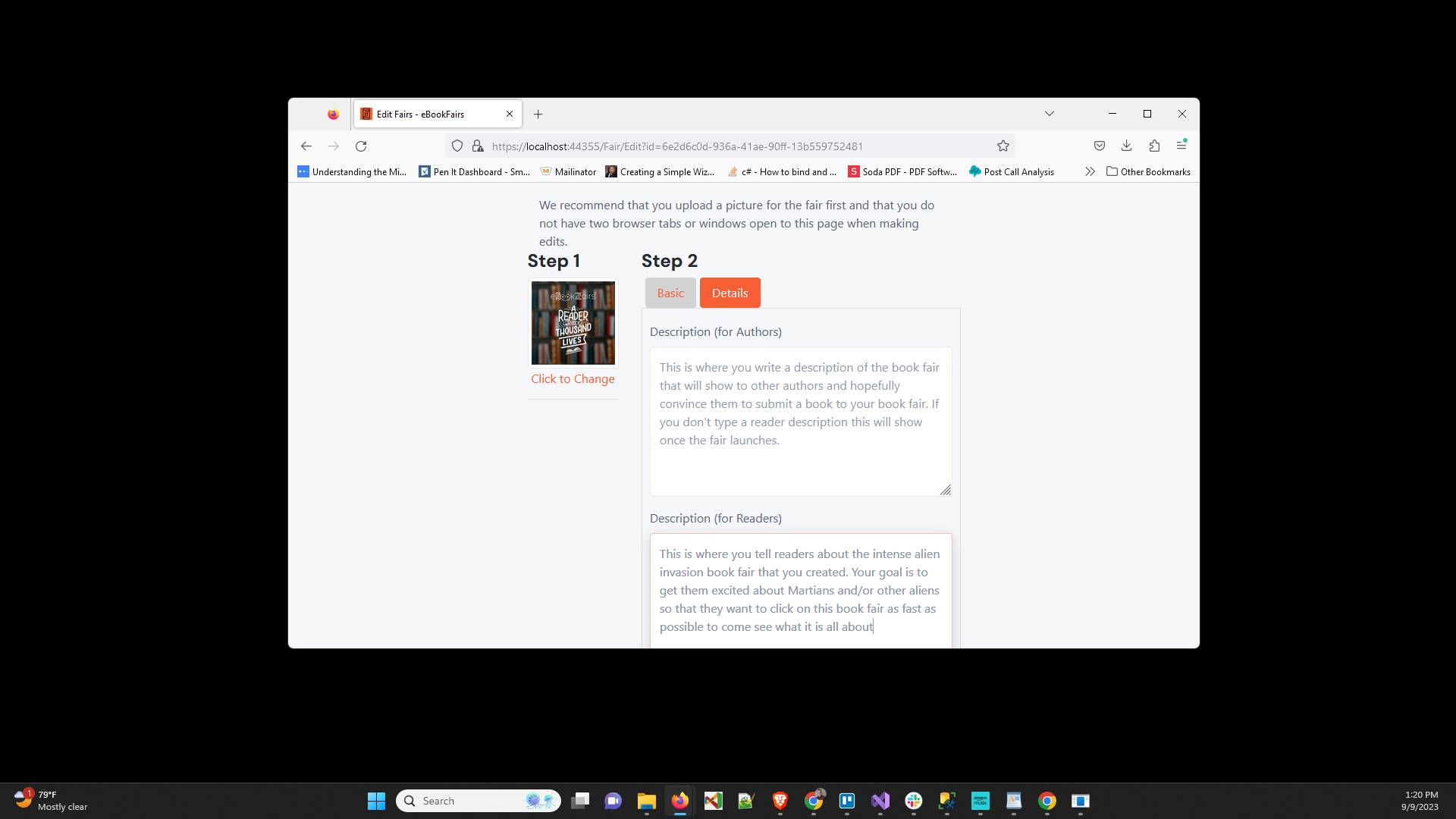
In "Description (for Readers)" type a description that will be shown to the visitors of the book fair to get them excited about the book fair.
Enter the "Book Limit" which will determine how many books can be in your fair. This must be on or between 10 and 50 books.
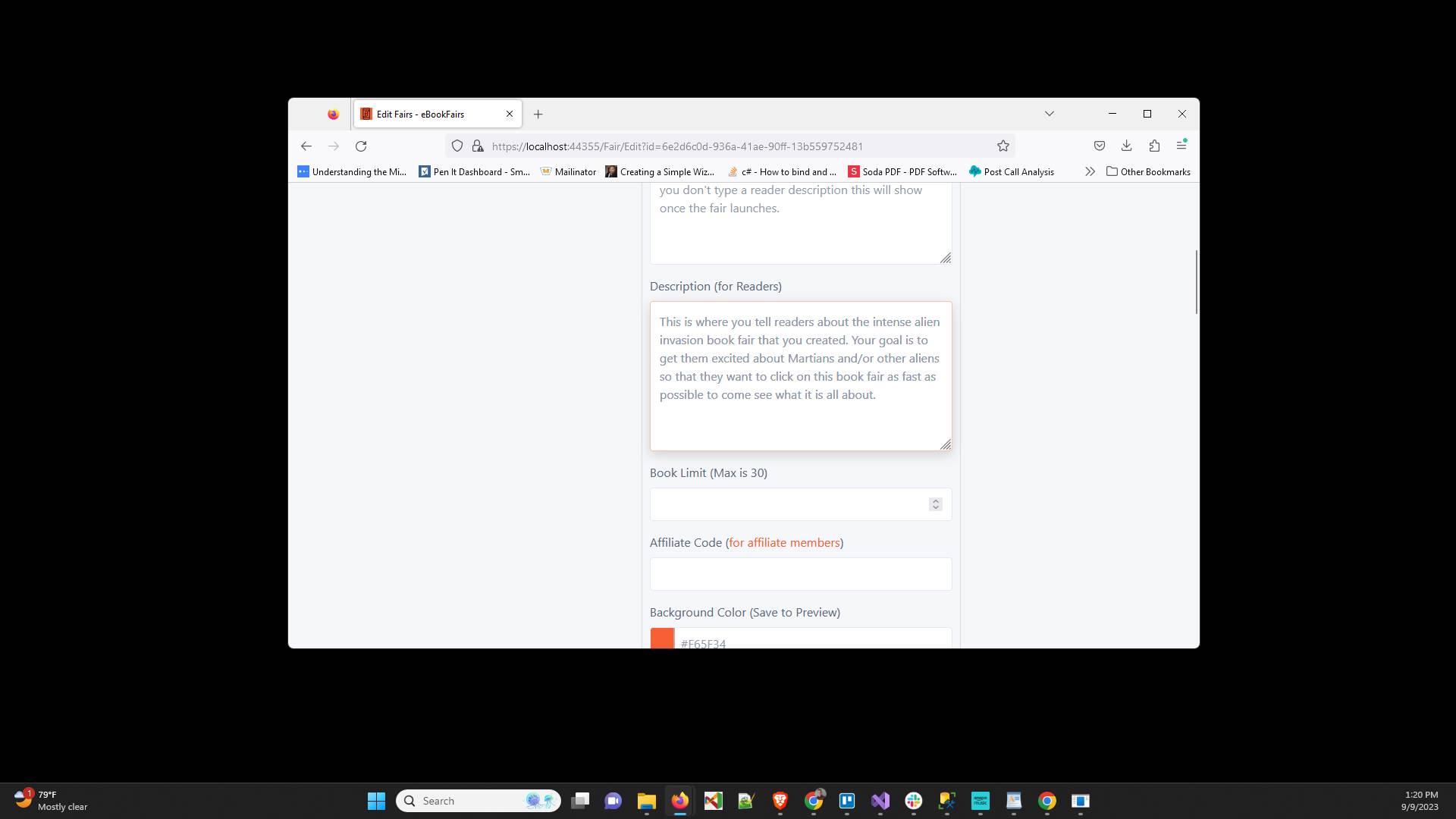
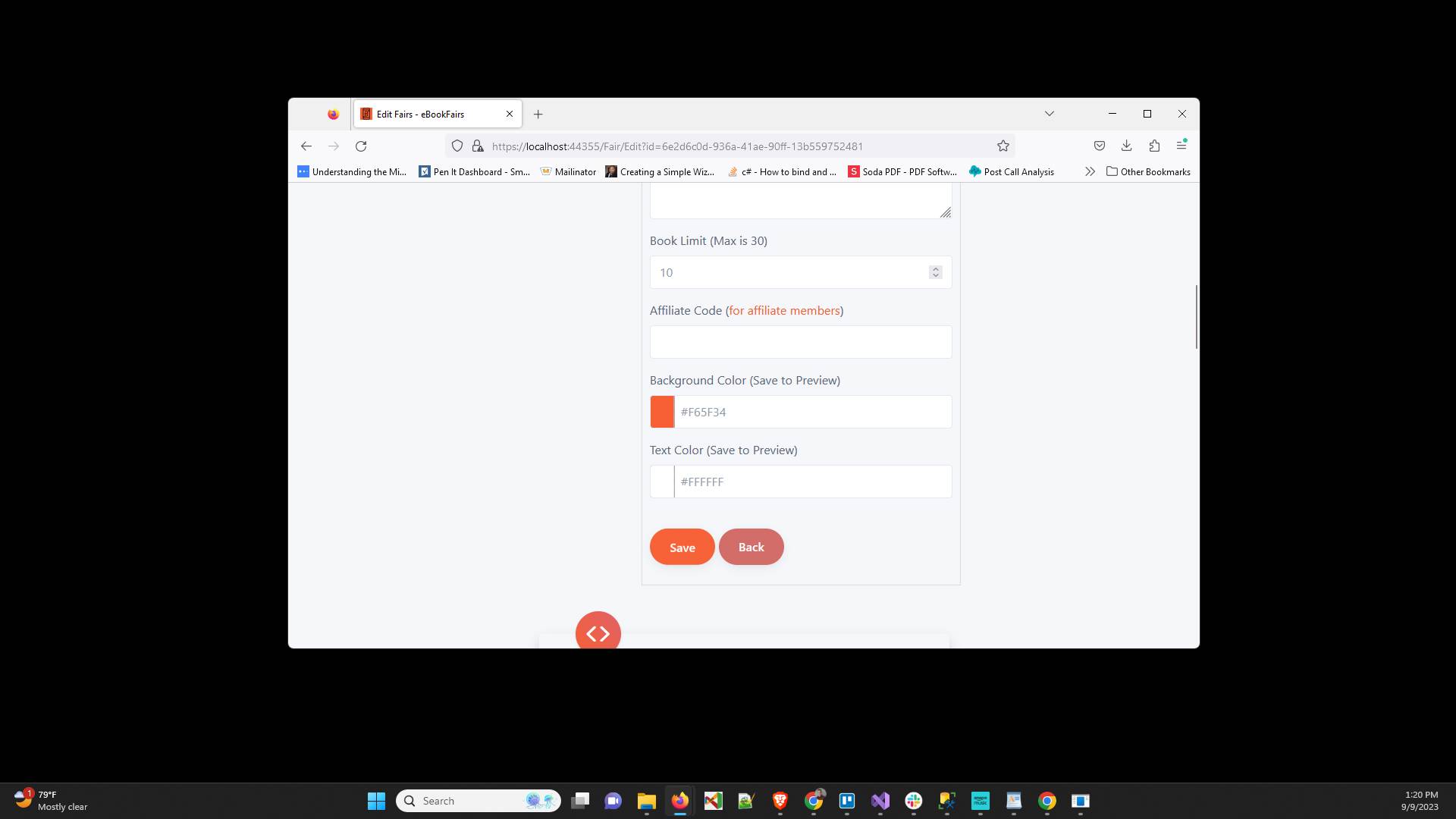
Click "Save" to save what we have done so far
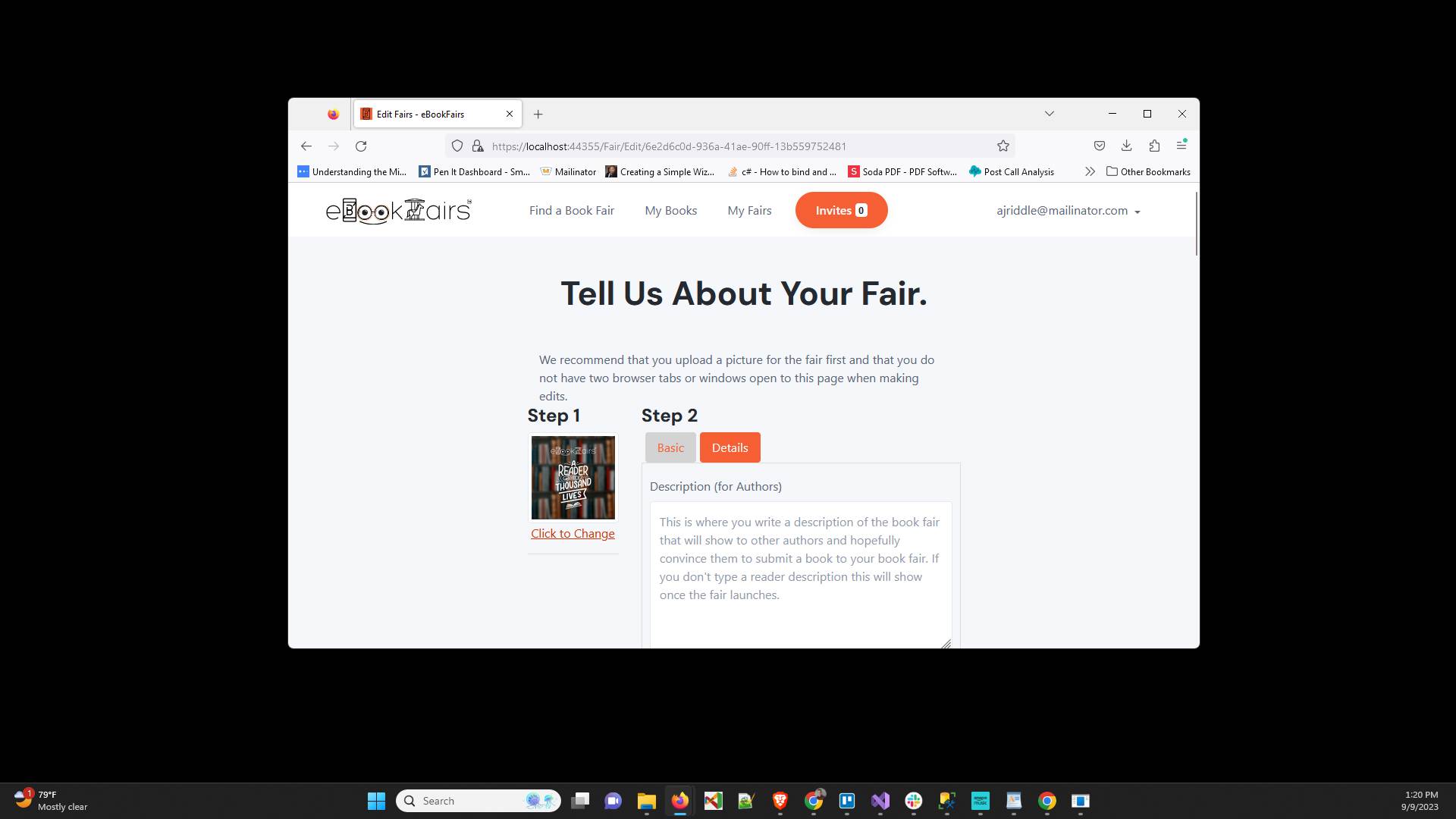
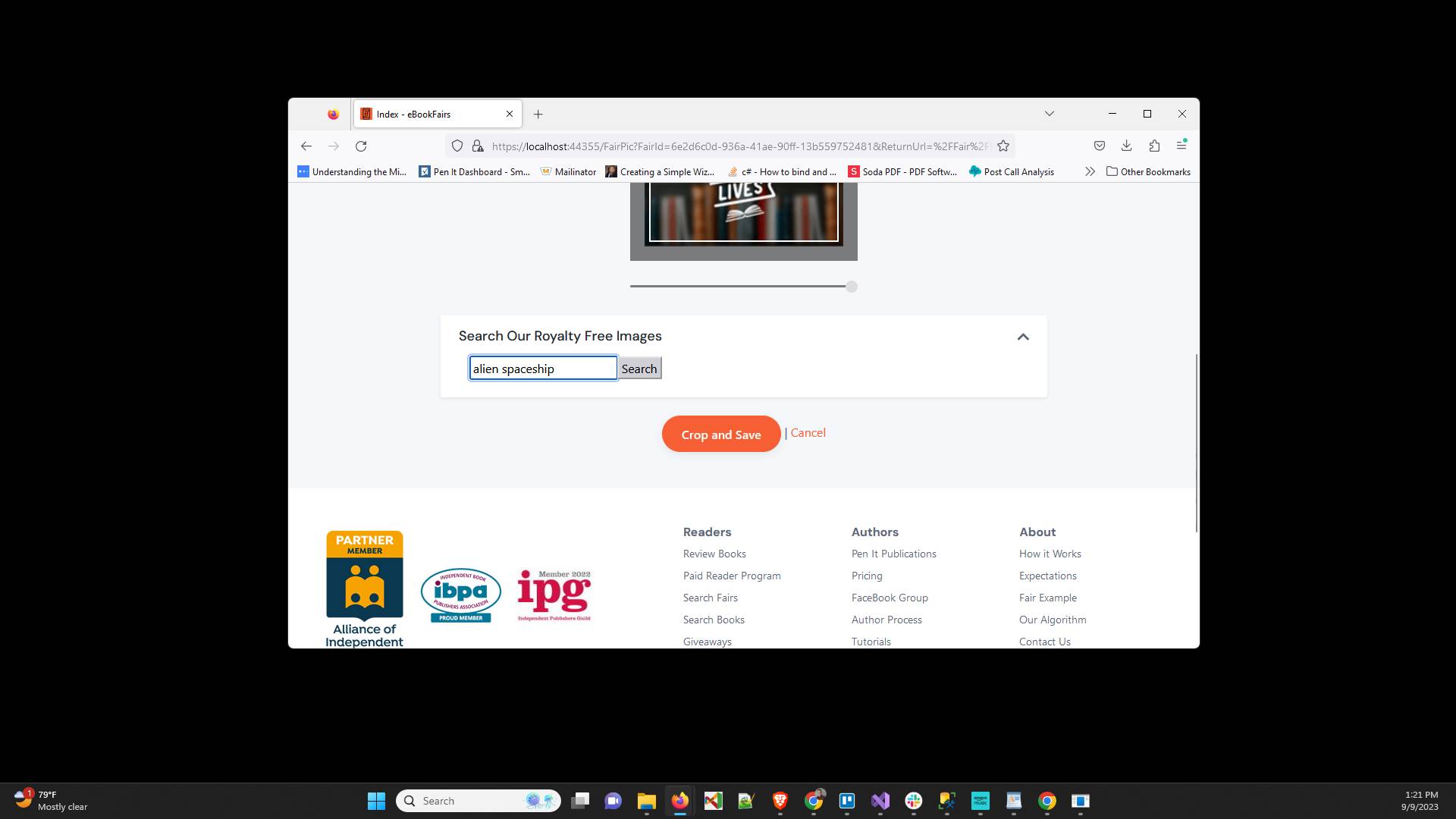
Click "Click to Change " to change the fair image
In "Search Our Royalty Free Images" type something related to your book fair name
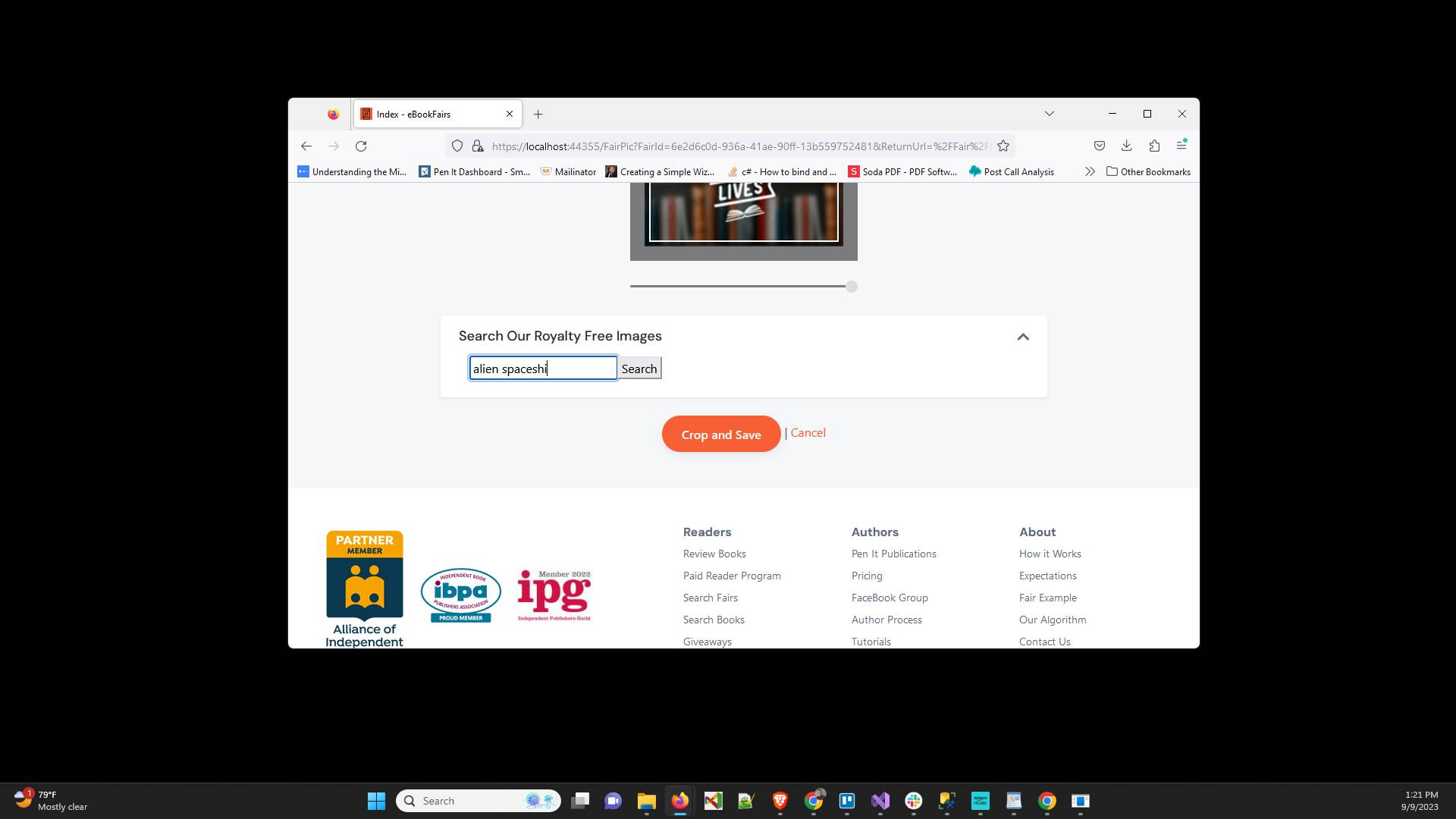
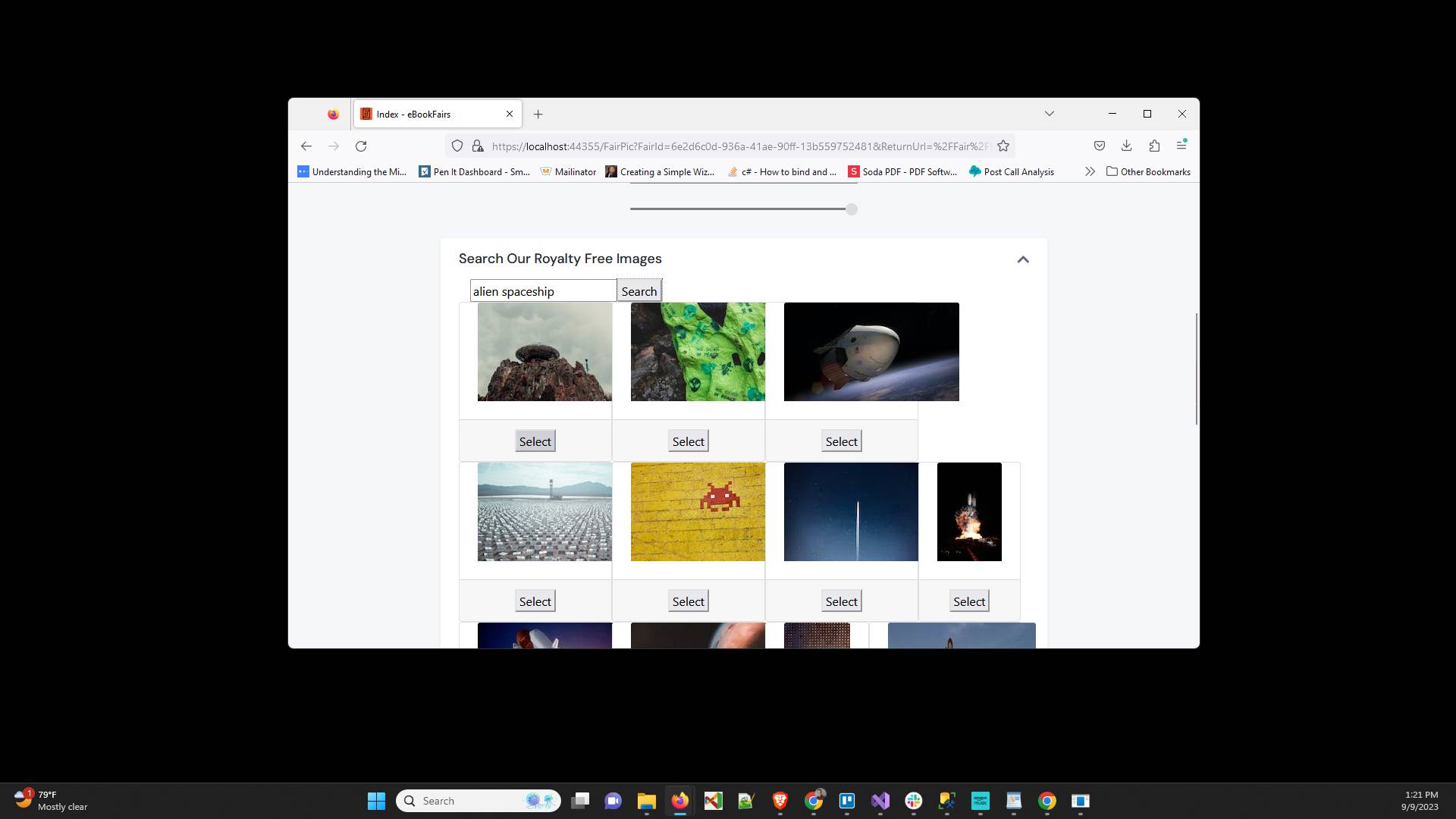
Click "Search"
Click "Select" on one of the images
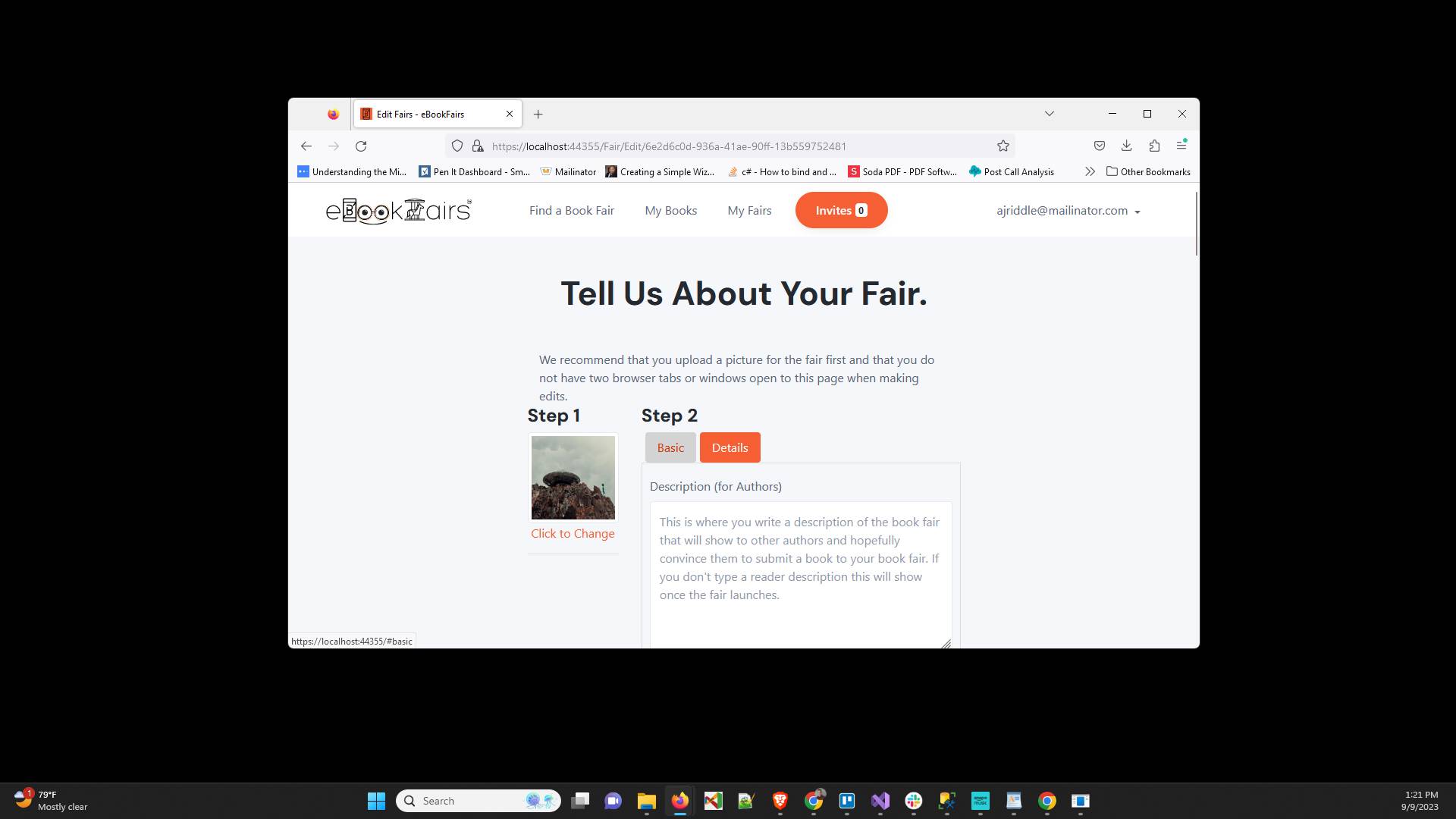
You are done. You now have a book fair that is ready for authors to submit their books to
Have ideas or feedback?
Add a comment to ask questions, clarify steps, or suggest improvements (compliments welcome, too!).
Processing...